Default Credentials Authentication Weakness | Lake Forks Permits
Lab Link
Lab: Lake Forks Permits
Overview
Lake Forks Permits is a county-government permits portal that provides public permit lookup functionality and staff-only administrative records.
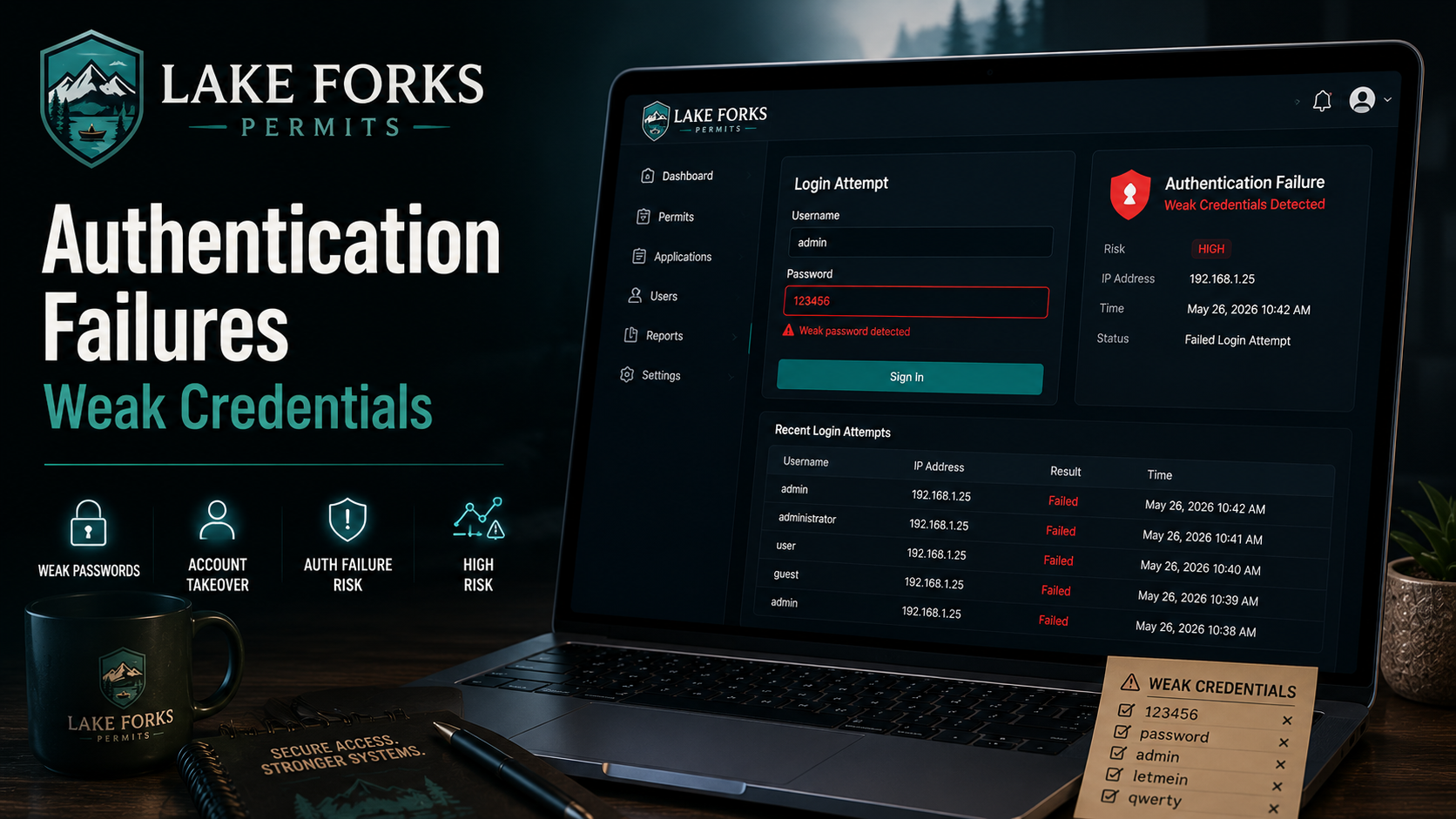
The application suffers from a common but highly impactful security weakness: default credentials were left enabled in production. By authenticating with the vendor’s default username and password combination, an attacker can gain unauthorized access to staff resources and retrieve sensitive information.
This challenge demonstrates how operational security failures can be just as dangerous as software vulnerabilities.
Objective
Gain access to the staff portal and retrieve the flag from the protected records section.
Scenario
Lake Forks County’s permits portal was redesigned in 2018 by a consultant who set the staff login credentials as a temporary default and noted “RESET BEFORE GOING LIVE” in the project binder on the clerk’s shelf. The binder is in a different binder now.
Reconnaissance
The application exposes a staff login page:
1
https://9fb154f2-4065-front-counter-16e9b.challenges.webverselabs-pro.com/login
Since the challenge description hints at temporary credentials that were never changed, testing common default credentials becomes a logical first step.
Vulnerability Analysis
Many applications are deployed with predefined administrative accounts for initial setup and testing.
Examples include:
1
2
3
4
admin : admin
admin : password
administrator : administrator
root : root
If these credentials are not changed before production deployment, unauthorized users can gain access without exploiting any technical vulnerability.
In this case, the application still accepts the default administrator account.
Exploitation
Step 1: Navigate to the Login Page
Visit:
1
https://9fb154f2-4065-front-counter-16e9b.challenges.webverselabs-pro.com/login
Step 2: Test Default Credentials
Authenticate using:
1
2
Username: admin
Password: admin
Example request:
1
2
3
4
5
POST /login HTTP/2
Host: 9fb154f2-4065-front-counter-16e9b.challenges.webverselabs-pro.com
Content-Type: application/x-www-form-urlencoded

username=admin&password=admin
Step 3: Access Staff Resources
The credentials successfully authenticate and provide access to the staff area:
1
https://9fb154f2-4065-front-counter-16e9b.challenges.webverselabs-pro.com/staff/records
This confirms that the default account remains active and usable.
Proof of Exploitation
Upon accessing the staff records page, the application reveals the challenge flag:
1
WEBVERSE{.....}
Impact
Successful exploitation allows an attacker to:
- Access staff-only functionality
- View confidential records
- Bypass intended authorization controls
- Perform actions as an administrative user
- Potentially modify sensitive government data
- Gain access without requiring any vulnerability exploitation
In real-world environments, default credentials frequently lead to complete compromise of internal systems, administrative portals, network appliances, and cloud services.
Root Cause
The application was deployed with a default administrative account:
1
admin : admin
The temporary credentials were never changed before production release.
As a result, anyone familiar with common default credentials can immediately authenticate.
This is not a software flaw but rather a failure in secure deployment and credential management processes.
Mitigation
Remove Default Credentials Before Deployment
All vendor-provided and temporary accounts should be changed before production use.
Enforce Strong Password Policies
Require:
- Minimum password length
- Complexity requirements
- Password uniqueness
- Secure password storage
Example:
1
2
3
4
5
Minimum 12 characters
Uppercase letters
Lowercase letters
Numbers
Special characters
Force Password Change on First Login
Temporary administrative accounts should require a password reset before access is granted.
Disable Unused Accounts
Remove:
- Test accounts
- Demo accounts
- Installer accounts
- Vendor-created accounts
before production deployment.
Conduct Security Reviews
Deployment checklists should include:
- Credential audits
- Configuration reviews
- Access control verification
- Penetration testing
Real-World Insight
Default credentials remain one of the most common causes of security incidents worldwide. Numerous breaches involving routers, cameras, industrial control systems, government portals, and cloud services have occurred because organizations failed to replace factory-default passwords.
Unlike sophisticated exploits, these attacks require little technical skill and are often discovered through basic security assessments.
Vulnerability Identification
This challenge is primarily a Default Credentials Authentication Weakness.
Classification Hierarchy
OWASP Top 10:2025
1
2
3
4
A07 - Authentication Failures
 └── Weak Credentials
      └── Default Credentials
           └── Administrative Account Compromise
CWE Mapping
1
2
CWE-1392
Use of Default Credentials
Key Takeaway
Default credentials should never reach production systems. Even the most secure application can be completely compromised when administrative accounts are left configured with predictable usernames and passwords.