Information Disclosure – Client-Side Analytics Exposure | Pebble & Pine
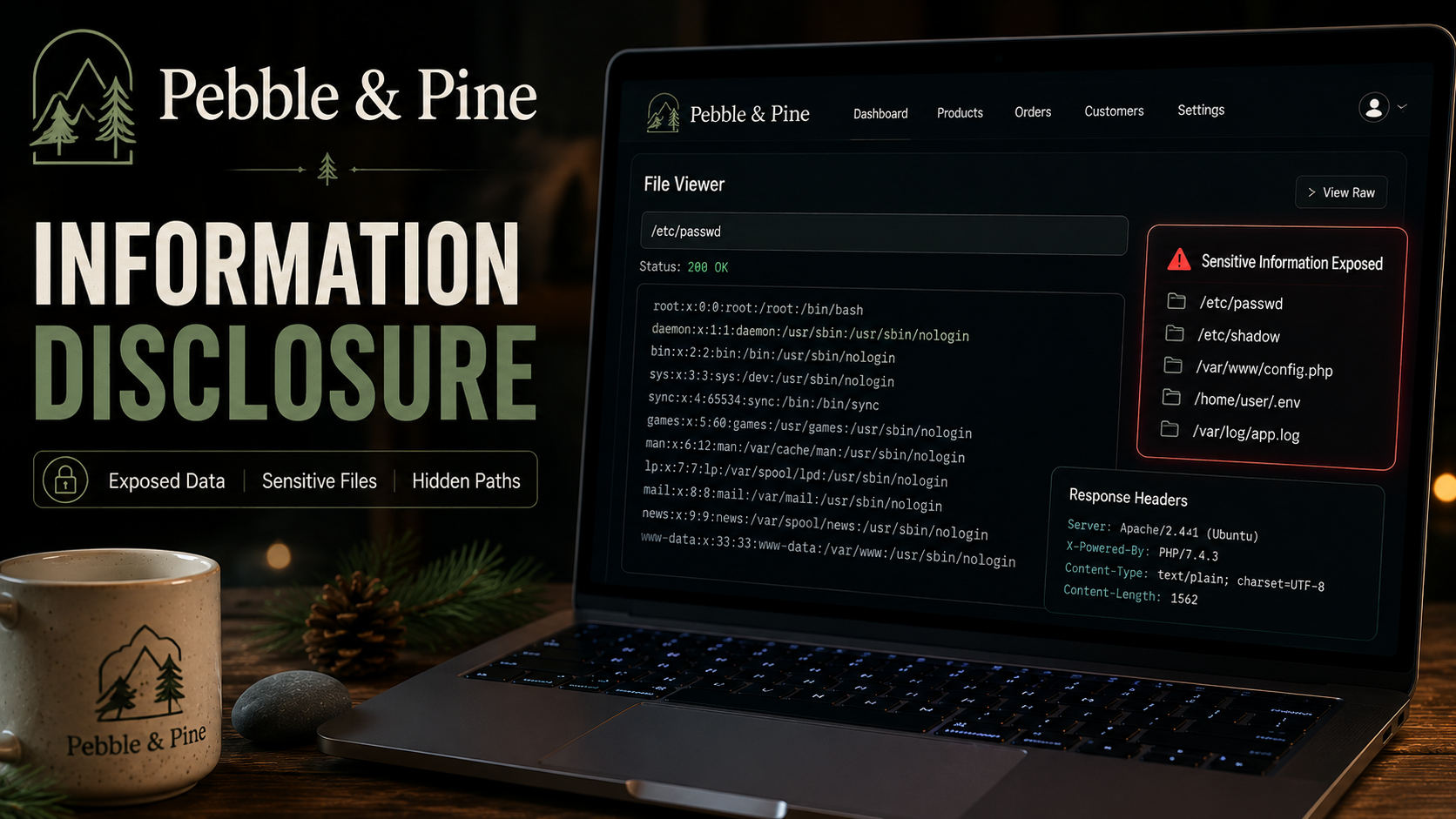
Lab Link
Lab: Pebble & Pine
Overview
Pebble & Pine is a small-batch ceramics shop that showcases handcrafted pottery through a clean and visually appealing storefront. While the public-facing application appears secure, the challenge revolves around a common but frequently overlooked issue: sensitive information exposed within client-side resources.
The scenario hints that a custom analytics script was written quickly and never properly reviewed. Such situations often lead to sensitive data being accidentally embedded in JavaScript files that are publicly accessible to anyone visiting the website.
This challenge demonstrates how information disclosure can occur when developers store sensitive values inside client-side assets rather than keeping them on the server.
Objective
Identify and retrieve the hidden flag exposed through publicly accessible client-side resources.
Vulnerability Identification
This challenge is primarily an Information Disclosure vulnerability.
Classification Hierarchy
A02 - Security Misconfiguration └── Sensitive Information Exposure └── Client-Side Resource Disclosure └── Hardcoded Sensitive Data in JavaScript
Reconnaissance
Upon accessing the application, the site presents a legitimate pottery storefront with product listings and branding information.
No obvious input fields, authentication mechanisms, or vulnerable functionality are immediately visible.
Given the scenario’s emphasis on an analytics script written by a non-security-focused developer, attention should be directed toward client-side resources.
A common methodology during web application assessments is to inspect all JavaScript files loaded by the application.
Enumerating Client-Side Assets
Open the browser developer tools:
1
F12
Navigate to:
1
Debugger
or
1
Sources
Review the loaded JavaScript files.
Exploitation
Step 1 - Inspect JavaScript Resources
Within the developer tools, expand the application’s static resources.
The following path contains the analytics implementation:
1
2
3
static/
└── js/
    └── analytics.js
Since JavaScript files are downloaded and executed by the browser, their contents are fully visible to users.
Step 2 - Review analytics.js
Open:
1
static/js/analytics.js
Carefully review the source code.
During the inspection process, a hardcoded flag can be identified directly inside the file.
Example:
1
2
3
4
5
6
// Analytics configuration

const trackingEnabled = true;

// Debug value
const flag = "WEBVERSE{redacted}";
The exact location may vary, but the flag is embedded directly within the client-side script.
Step 3 - Retrieve the Flag
The exposed value can be copied directly from the JavaScript source.
1
WEBVERSE{.....}
No authentication bypass, parameter manipulation, or server interaction is required.
The flag is disclosed solely through source code inspection.
Proof of Exploitation
Access Path
1
2
3
4
5
6
7
Developer Tools
    ↓
Debugger / Sources
    ↓
static/js/analytics.js
    ↓
Flag Disclosure
Flag Location
1
static/js/analytics.js
Retrieved Value
1
WEBVERSE{.....}
Impact
Hardcoded sensitive information within client-side JavaScript can expose:
- API keys
- Access tokens
- Internal endpoints
- Debug credentials
- Feature flags
- Administrative functionality
- Challenge flags
Since browsers must download JavaScript before executing it, any data embedded within the source becomes accessible to users.
Attackers frequently perform source code review during reconnaissance because exposed information can reveal additional attack paths or directly disclose sensitive data.
Mitigation
Never Store Secrets Client-Side
Sensitive values should remain on the server.
Remove Debug Artifacts
Development-only code should be removed before deployment.
Conduct Source Code Reviews
Review client-side assets for:
- Secrets
- API tokens
- Internal URLs
- Test credentials
- Debug information
Implement Secure Build Pipelines
Automated scanning tools can detect hardcoded secrets before production deployment.
Separate Configuration from Code
Sensitive configuration should be stored in secure server-side environments rather than JavaScript files.
Real-World Insight
Client-side information disclosure is one of the most common findings during web application assessments.
Security researchers routinely inspect:
- JavaScript files
- Source maps
- Configuration files
- Backup files
- Public repositories
Organizations have accidentally exposed:
- Cloud credentials
- Database passwords
- Third-party API keys
- Internal infrastructure details
Many real-world breaches begin with seemingly minor information disclosure issues that provide attackers with valuable intelligence for later stages of exploitation.
The Pebble & Pine challenge highlights an important lesson: anything delivered to the browser should be considered public information. Sensitive data must never be trusted to remain hidden within client-side code.