Cross-Site Scripting (XSS) – Reflected Search Injection | Ember Kettle
Lab Link
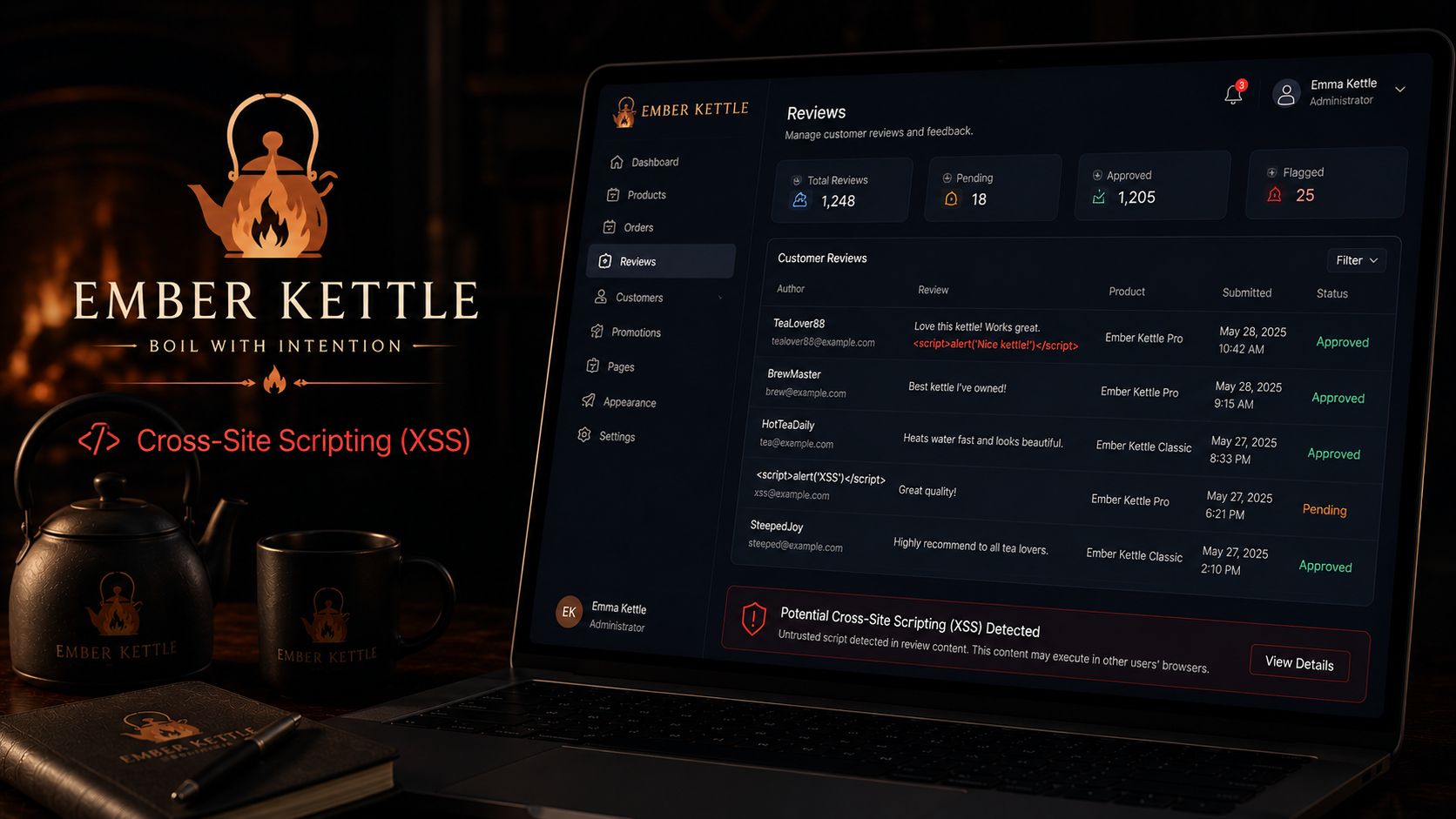
Lab: Ember Kettle
Overview
Ember Kettle is a small tea shop that recently launched an online catalog. The application includes a search feature used to browse products and brewing information.
The search functionality reflects user input directly into the page without applying output encoding or sanitization.
Because arbitrary HTML and JavaScript can be injected into the response, attackers can execute code in the victim’s browser.
This challenge demonstrates a classic Reflected Cross-Site Scripting (XSS) vulnerability.
Objective
Identify a reflected XSS vulnerability in the search functionality and trigger JavaScript execution to obtain the flag.
Vulnerability Identification
This challenge is primarily a Reflected Cross-Site Scripting vulnerability.
Classification Hierarchy
A05 - Injection └── Client-Side Injection └── Cross-Site Scripting (XSS) └── Reflected XSS
Reconnaissance
Navigate to the brew page:
1
https://dfd28ed8-4065-ember-kettle-205cb.challenges.webverselabs-pro.com/brew
The page contains functionality that reflects user-supplied input.
Whenever user-controlled data is rendered back into the page, output encoding should be tested.
Common indicators include:
- Search results
- Error messages
- Filters
- Query parameters
- Product lookups
Exploitation
Step 1 - Test for Reflection
Supply a unique string and verify whether it appears in the page response.
Example:
1
test123
If the application reflects the value, the next step is to determine whether HTML or JavaScript execution is possible.
Step 2 - Test HTML Injection
Submit a simple payload:
1
<h1>test</h1>
If the page renders HTML rather than displaying the payload as text, output encoding is absent.
Step 3 - Test JavaScript Execution
Submit a standard XSS payload:
1
<script>alert(1)</script>
The payload executes successfully.
This confirms that user input is inserted into the page without proper sanitization or encoding.
The application is vulnerable to Reflected Cross-Site Scripting.
Step 4 - Observe Flag Retrieval
After successful JavaScript execution, the page displays:
1
WEBVERSE{.....}
The flag is not generated by the payload itself.
Instead, the application contains a built-in client-side script that detects successful XSS execution and retrieves the flag.
Understanding the Flag Mechanism
The page contains JavaScript similar to:
1
2
3
4
5
6
7
8
9
10
11
12
13
14
15
16
17
18
19
20
21
22
23
24
25
26
27
(function(){
    var b=document.getElementById("wv-solve");
    if(!b)return;

    var done=false,h;

    function r(f){
        if(done)return;
        done=true;
        b.hidden=false;
        b.innerHTML="<strong>XSS payload detected firing.</strong> Flag: <code>"+f+"</code>";
    }

    function t(){
        if(done)return;

        fetch("/__status",{credentials:"include"})
        .then(function(x){return x.json();})
        .then(function(d){
            if(d && d.solved && d.flag)
                r(d.flag);
        });
    }

    t();
    h=setInterval(t,2000);
})();
The purpose of this code is to:
- Detect that an XSS payload executed.
- Query an internal endpoint.
- Retrieve the challenge flag.
- Display the flag in the page.
The XSS vulnerability is still the root cause.
Proof of Exploitation
Vulnerable Input
1
<script>alert(1)</script>
Result
1
JavaScript executed successfully
Flag
1
WEBVERSE{.....}
Impact
An attacker can execute arbitrary JavaScript in the context of another user’s browser.
Potential consequences include:
- Session theft
- Account takeover
- CSRF bypass
- Credential harvesting
- DOM manipulation
- Data exfiltration
- Malicious redirects
In real-world applications, XSS remains one of the most impactful client-side vulnerabilities.
Mitigation
Apply Context-Aware Output Encoding
User input should be encoded before rendering.
Example:
1
<script>alert(1)</script>
instead of:
1
<script>alert(1)</script>
Use Safe Rendering Functions
Avoid:
1
element.innerHTML = userInput;
Prefer:
1
element.textContent = userInput;
Implement Content Security Policy (CSP)
A strong CSP can significantly reduce XSS impact.
Validate and Sanitize Input
Reject dangerous HTML and JavaScript constructs where appropriate.
Perform Security Testing
Test all reflection points including:
1
2
3
4
5
6
Search
Filters
Error messages
Comments
Profile fields
URLs
Real-World Insight
Cross-Site Scripting remains one of the most common web application vulnerabilities because user-controlled input frequently reaches browsers without proper encoding.
Attackers routinely use XSS to:
- Steal session cookies
- Hijack accounts
- Deliver malware
- Impersonate users
- Access sensitive information
The Ember Kettle challenge demonstrates a core security principle:
Any data rendered into a browser must be treated as untrusted until it has been safely encoded for its output context.