Broken Access Control Leads to Account Takeover | Granted
Lab Link
Overview
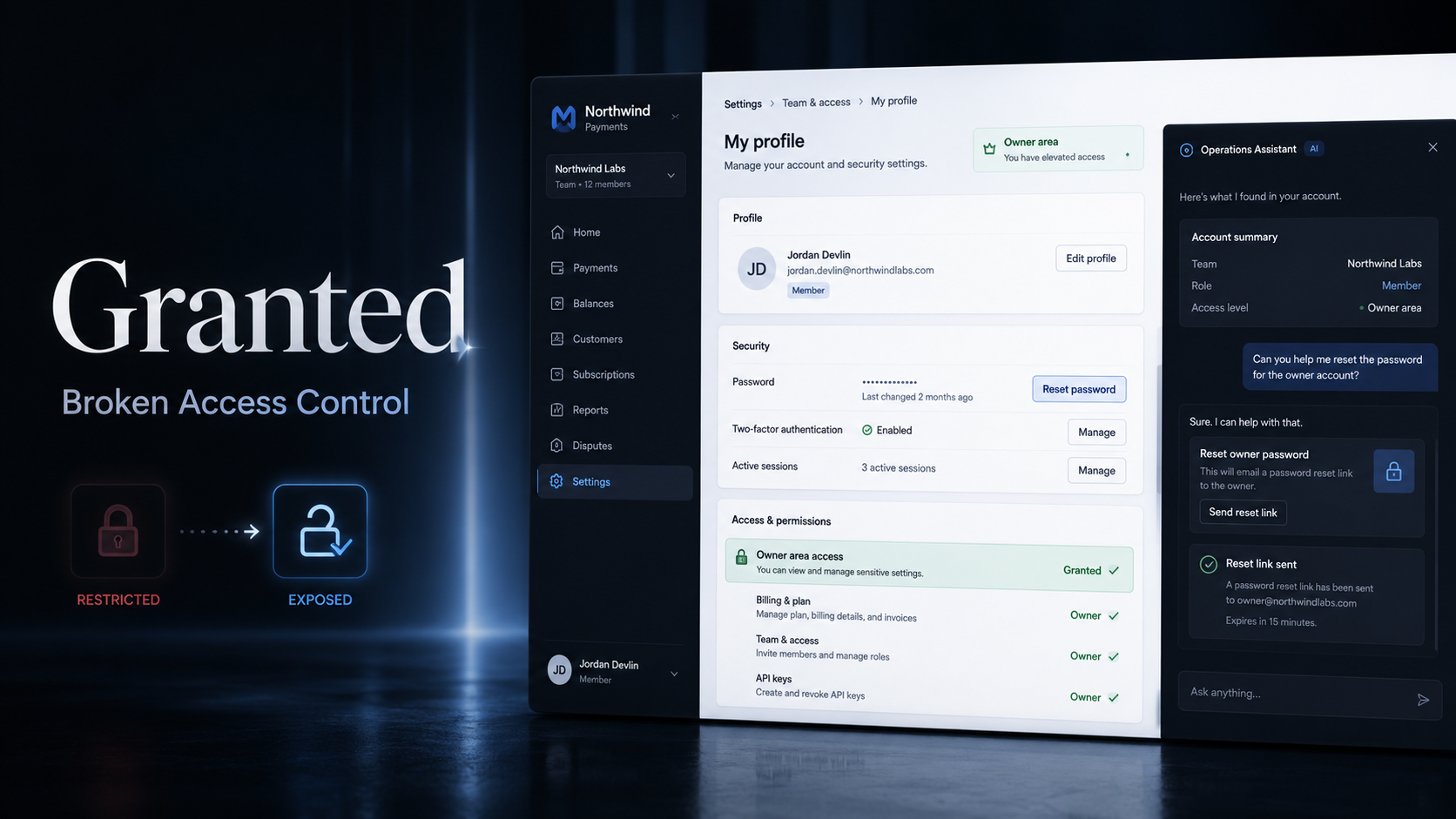
Granted is a workspace management application containing an Operations Assistant that can look up accounts and reset passwords.
The application correctly displayed the current user as a normal workspace member. However, the assistant exposed a privileged password-reset action without verifying whether the requesting user was authorized to manage the target account.
By asking the assistant to reset the workspace owner’s password, a low-privileged member could obtain temporary owner credentials, authenticate as the owner, and access an owner-only developer page containing the challenge secret.
Objective
The objective was to gain access to the protected secret available only to the workspace owner.
Vulnerability Identification
The primary vulnerability was Broken Access Control, specifically missing object-level and function-level authorization on the assistant’s password-reset capability.
The assistant accepted a target account supplied by the user and performed the reset using backend privileges. It did not enforce either of the following checks:
- Whether the authenticated user had permission to reset another member’s password.
- Whether the target account had a more privileged role than the requester.
This converted a seemingly helpful account-management feature into an account-takeover primitive.
Under the OWASP Top 10:2025 classification, this issue falls under:
- A01: Broken Access Control
Recon and Approach
After opening the application, the current session was identified as a standard member account:
1
2
3
4
Name: Alex Chen
Email: alex@granted.io
Role: Member
Workspace: Northwind Retail
The navigation menu exposed several useful application areas:
1
2
3
/team
/developers
/settings
The /developers route appeared to contain information intended only for the workspace owner.
The application also included an assistant drawer with the following description:
1
2
Hi Alex, I can help with your workspace accounts.
I can look up an account or reset a password.
This immediately made account-management actions the most interesting attack surface.
Enumerating Workspace Users
The team page exposed enough information to identify likely workspace accounts, including a privileged owner account.
Relevant identities included:
1
2
3
4
alex@granted.io
owner@granted.io
mara@granted.io
devon@granted.io
Cloudflare email protection was present in the HTML, but the protected addresses could be decoded from their data-cfemail values.
A simple decoder can recover these values:
1
2
3
4
5
6
7
8
9
10
11
12
function decodeCloudflareEmail(encoded) {
  const key = parseInt(encoded.slice(0, 2), 16);
  let email = "";

  for (let i = 2; i < encoded.length; i += 2) {
    email += String.fromCharCode(
      parseInt(encoded.slice(i, i + 2), 16) ^ key
    );
  }

  return email;
}
Exploitation
Step 1: Test the Assistant’s Reset Capability
While authenticated as the low-privileged member, a password-reset request was submitted through the Operations Assistant.
Conceptually, the request was equivalent to:
1
Reset the password for owner@granted.io
The backend processed the request and returned a temporary password for the owner account.
This response confirmed that the assistant trusted the supplied target identity without applying an authorization check against the current session.
A member should never be able to reset an owner’s credentials.
Step 2: Authenticate as the Owner
The application exposed a normal login form backed by:
1
POST /api/login
The temporary owner password returned by the assistant was then used to authenticate as the owner.
Example request structure:
1
2
3
4
5
6
7
8
POST /api/login HTTP/1.1
Host: <redacted-lab-host>
Content-Type: application/json

{
  "email": "owner@granted.io",
  "password": "<temporary-password>"
}
A successful response issued a new authenticated session associated with the owner account.
Step 3: Access the Owner-Only Developer Page
Using the owner session, the protected developer page was requested:
1
2
3
GET /developers HTTP/1.1
Host: <redacted-lab-host>
Cookie: session=<redacted-owner-session>
The page now displayed the owner-only settlement signing key containing the challenge flag.
Proof / Flag
The exploit chain successfully provided owner-level access and exposed the protected secret.
1
WEBVERSE{REDACTED}
The complete attack path was:
1
2
3
4
5
6
7
8
9
10
11
12
13
Low-privileged member session
        ↓
Enumerate the owner account
        ↓
Ask the assistant to reset the owner's password
        ↓
Receive temporary owner credentials
        ↓
Log in through /api/login
        ↓
Access /developers as owner
        ↓
Retrieve the protected secret
Root Cause
The root cause was a failure to enforce authorization at the backend action layer.
The application appears to have treated the assistant’s internal tool access as inherently trusted. However, the assistant was acting on behalf of an untrusted, low-privileged user.
The password-reset operation validated that the target account existed, but it did not validate whether the requester was authorized to modify that account.
Insecure logic likely resembled:
1
2
3
def reset_password(target_email):
    user = find_user(target_email)
    return generate_temporary_password(user)
A secure implementation must include the requesting principal in the authorization decision:
1
2
3
4
5
def reset_password(requester, target_user):
    if not requester.can_manage(target_user):
        raise PermissionError("Not authorized")

    return generate_temporary_password(target_user)
The authorization check must be enforced by the password-reset service itself, not merely by the user interface or the assistant’s prompt instructions.
Impact
An attacker with any valid workspace account could potentially:
- Reset passwords belonging to other users.
- Take over a workspace owner or administrator account.
- Access sensitive developer credentials.
- Read protected financial or operational data.
- Perform privileged actions as the compromised user.
- Establish persistence by changing account or workspace settings.
Because the vulnerable action allowed direct compromise of a higher-privileged account, the issue had a critical impact within the affected workspace.
Mitigation
Enforce Server-Side Authorization
Every password-reset request must verify that the authenticated requester is authorized to manage the target account.
The permission decision should consider:
1
2
3
4
5
6
requester identity
requester role
target identity
target role
workspace relationship
requested action
Prevent Upward Privilege Actions
Lower-privileged users must never be able to reset credentials for administrators, owners, or accounts with equivalent or greater privileges.
Restrict Assistant Tools
AI assistants should receive only the minimum backend capabilities required for the current user.
Tool availability and parameters should be derived from the authenticated session rather than from natural-language input alone.
Require Secure Recovery Flows
Password resets should normally use a time-limited, single-use recovery link delivered through a verified channel. The system should not reveal a temporary password directly in assistant responses.
Add Reauthentication and MFA
Sensitive account-management operations should require recent authentication and, for privileged accounts, an additional MFA challenge.
Record Security Events
The application should log and alert on:
- Resets targeting privileged accounts.
- Cross-user password-reset attempts.
- Multiple resets initiated by one member.
- Immediate login following an administrative reset.
- Access to sensitive developer credentials after a role change or reset.
Protect Sensitive Developer Secrets
Settlement signing keys and similar credentials should not be displayed directly in ordinary application pages. They should be stored in a dedicated secret-management system and exposed only when strictly necessary.
Lessons Learned
- AI assistants do not replace authorization controls.
- Every assistant tool invocation must be treated as an untrusted user request.
- Authorization must be enforced at the final backend function performing the action.
- Account-management features require both object-level and function-level access checks.
- A valid session does not mean the user is authorized to act on every account in the workspace.
- Temporary passwords can become immediate account-takeover credentials when returned to the requester.
- Sensitive secrets should remain protected even after an account is compromised through defense-in-depth controls.