Missing Access Control – Unrestricted Staff Portal Exposure | Coltsfoot Community Center
Lab Link
Lab: Coltsfoot Community Center
Overview
The Coltsfoot Community Center challenge demonstrates a Broken Access Control issue where sensitive functionality relied on obscurity instead of authorization checks.
The application exposed a staff-only section that was intended to remain hidden from public users. Rather than enforcing access restrictions through authentication and authorization mechanisms, the application relied on the assumption that users would never discover the endpoint.
A publicly accessible robots.txt file disclosed the hidden location, and direct navigation allowed unrestricted access.
Objective
Identify the hidden staff area and access protected content to retrieve the flag.
Vulnerability Classification Hierarchy
1
2
3
4
5
OWASP Category
└── A01: Broken Access Control
    └── Missing Authorization
        └── Forced Browsing / Unprotected Resource
            └── Sensitive Endpoint Exposed Without Access Checks
Reconnaissance
Initial browsing revealed normal application functionality.
During enumeration, the following endpoint was checked:
1
/robots.txt
Response:
1
2
User-agent: *
Disallow: /staff/
This immediately revealed an interesting location:
1
/staff/
Although robots.txt files are intended for search engine crawling instructions, they frequently reveal hidden directories and sensitive endpoints.
Analysis
The application appeared to assume:
1
2
If users do not know the URL,
they cannot access the functionality.
However:
1
Hidden ≠ Protected
robots.txt does not restrict access.
It only suggests whether search engines should crawl a resource.
If server-side authorization is absent, users can still access the endpoint directly.
Exploitation
Direct navigation to:
1
https://bb38e14b-4065-backstage-fc2f5.challenges.webverselabs-pro.com/staff
immediately succeeded.
Instead of returning:
1
403 Forbidden
or redirecting to authentication, the application redirected to:
1
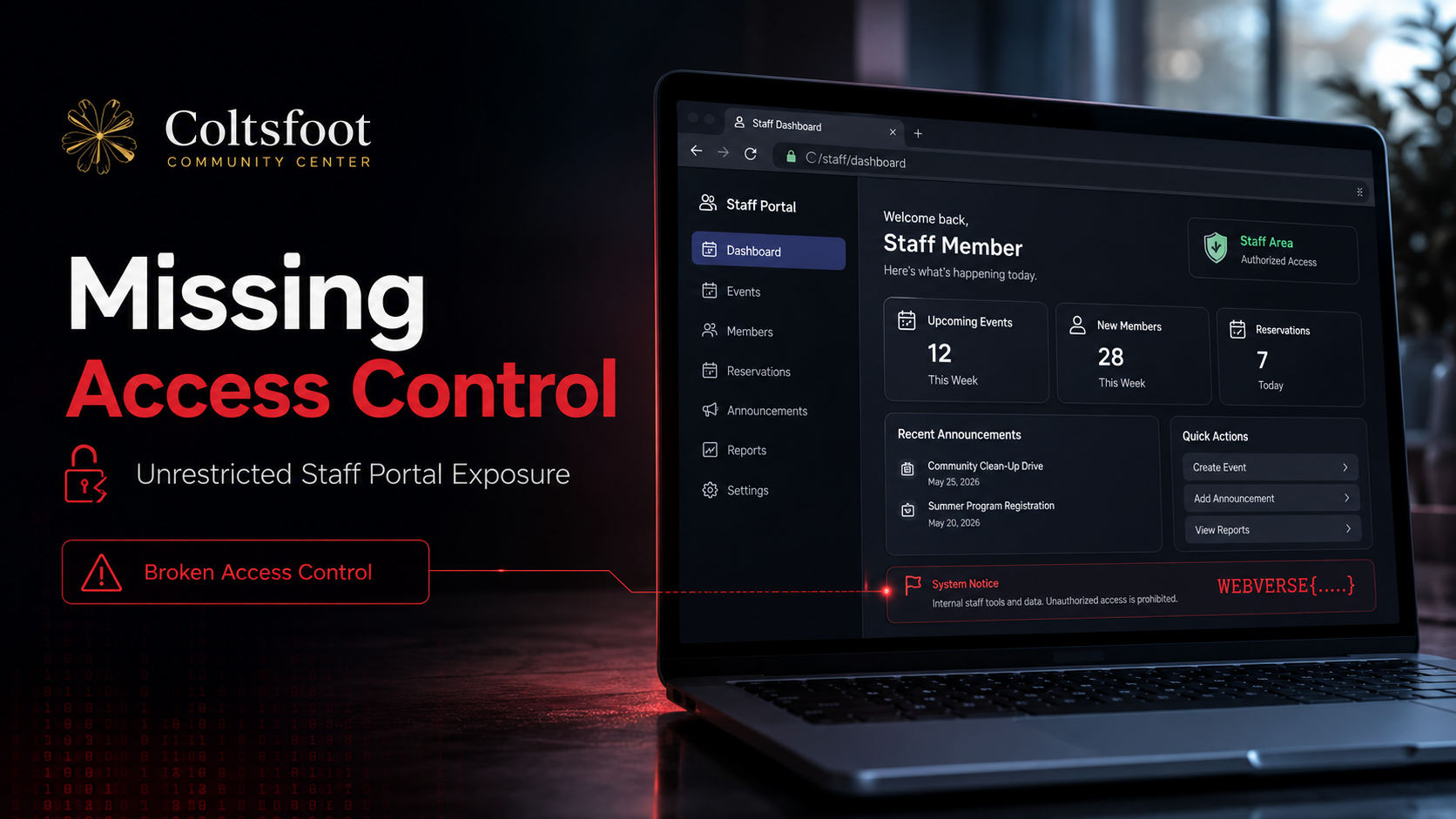
https://bb38e14b-4065-backstage-fc2f5.challenges.webverselabs-pro.com/staff/dashboard
No credentials or authentication checks were required.
Proof of Exploitation
Access flow:
1
2
3
4
5
6
7
8
9
robots.txt
      ↓
Disclosed /staff/
      ↓
Direct navigation
      ↓
No authorization validation
      ↓
Staff dashboard access
The dashboard loaded successfully and exposed:
1
WEBVERSE{.....}
The protected area was accessible to any unauthenticated user.
Root Cause
The application likely relied on assumptions similar to:
1
2
if path_hidden:
    protect_resource()
rather than:
1
2
if authenticated and authorized:
    allow_access()
The application failed to:
- Validate authentication
- Verify user permissions
- Restrict access to staff resources
- Enforce server-side authorization
Security relied entirely on endpoint secrecy.
Impact
In real-world applications this issue can result in:
- Administrative dashboard exposure
- Sensitive information disclosure
- Unauthorized account access
- Internal document exposure
- Privilege escalation
- Complete application compromise
If sensitive actions are available within exposed areas, impact may become severe.
Mitigation
Enforce server-side authorization
Bad:
1
Hidden URL = protected resource
Secure:
1
2
3
4
if current_user.role == "staff":
    allow()
else:
    deny()
Require authentication
Protected functionality should always require:
1
2
3
Authentication
+
Authorization
Do not rely on robots.txt for secrecy
Bad:
1
2
3
Disallow: /admin
Disallow: /staff
Disallow: /private
Attackers frequently inspect:
1
2
3
4
robots.txt
sitemap.xml
backup files
git directories
Return appropriate access errors
Unauthorized users should receive:
1
401 Unauthorized
or:
1
403 Forbidden
Real-World Insight
Exposed administrative areas frequently appear during penetration tests because organizations rely on assumptions such as:
1
Nobody knows this URL
or:
1
Search engines do not index it
Attackers routinely enumerate:
- robots.txt
- sitemap.xml
- backup files
- hidden directories
- archived content
- developer notes
Obscurity can reduce visibility, but it should never replace authorization.