Exposed Admin Route and Default Credentials Lead to Staff Panel Access | Powerpopped
Lab Link
Overview
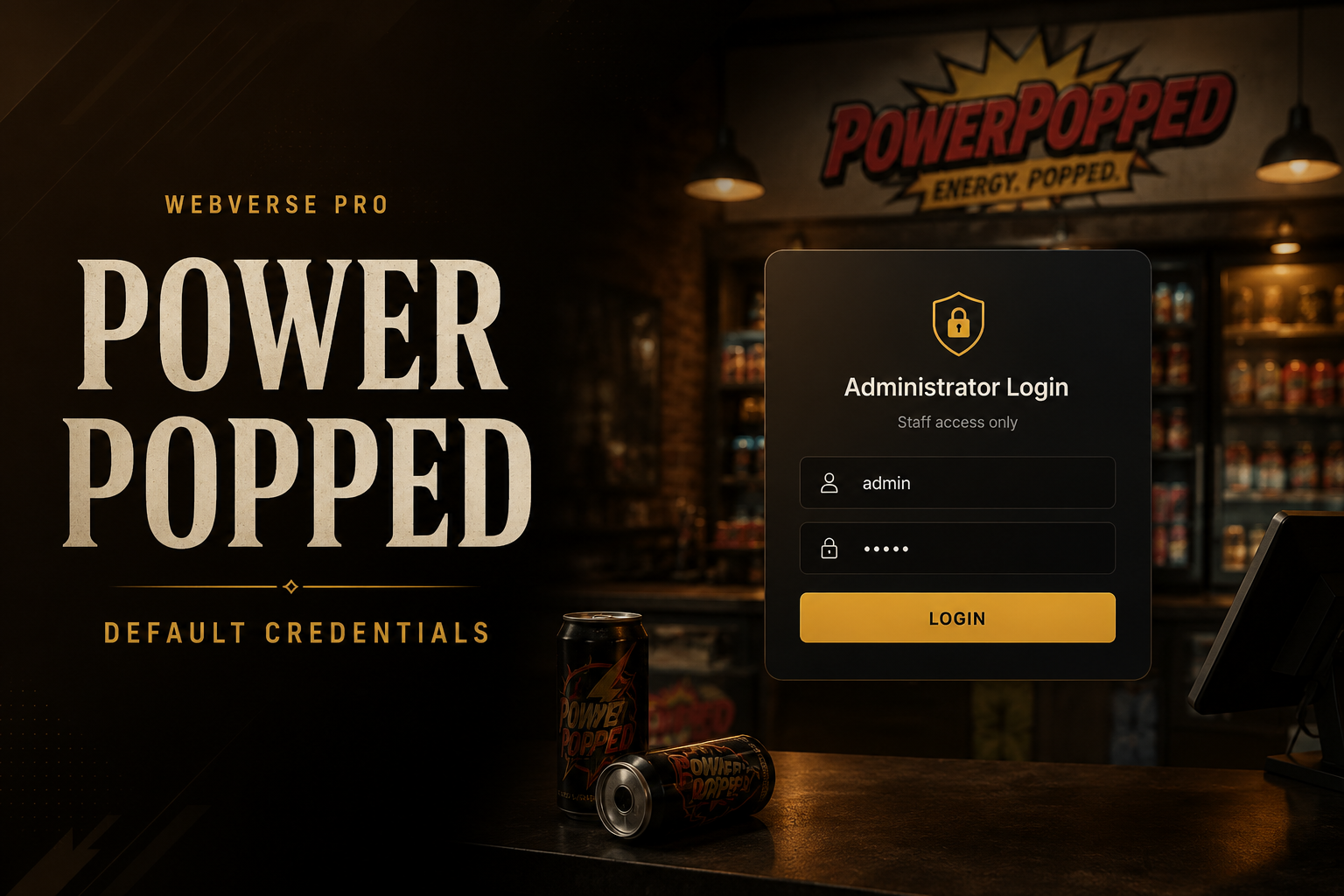
Powerpopped was a WebVerse Pro daily challenge based on a small storefront with a staff back-office.
The briefing hinted that the application had been built quickly and left running without anyone going back to secure the setup.
During recon, the application exposed an administrative route through robots.txt. The admin login page was reachable directly and accepted weak default credentials, allowing access to the staff panel and disclosure of the challenge flag.
Objective
The goal of the lab was to find a way into the staff/admin area and retrieve the flag.
Vulnerability Identification
The key issue was a combination of:
- An exposed administrative path disclosed through
robots.txt - A publicly reachable admin login page
- Default credentials still enabled on the staff panel
This created a simple but serious authentication failure. Even though the admin panel was not linked from the main storefront, it was still discoverable and protected only by weak credentials.
Recon / Approach
The first step was to inspect common discovery files and public routes.
A request to robots.txt revealed an administrative path:
1
2
GET /robots.txt HTTP/1.1
Host: d6246091-4065-powerpopped-dac8b.events.webverselabs-pro.com
The file disclosed the admin login location:
1
/routes/administrator/login.php
Visiting that path showed a live PHP-backed admin login page rather than a decoy or blocked route.
1
2
GET /routes/administrator/login.php HTTP/1.1
Host: d6246091-4065-powerpopped-dac8b.events.webverselabs-pro.com
The page also set a PHP session cookie, confirming that the route was an active authentication surface.
Exploitation
After discovering the admin login route, weak/default credential testing was performed.
The following credentials worked:
1
2
Username: admin
Password: admin
A successful login redirected into the staff panel:
1
2
3
4
5
POST /routes/administrator/login.php HTTP/1.1
Host: d6246091-4065-powerpopped-dac8b.events.webverselabs-pro.com
Content-Type: application/x-www-form-urlencoded

username=admin&password=admin
Once authenticated, the staff panel exposed the flag.
Proof / Flag
The flag was displayed after logging in to the administrator panel using the default credentials.
1
WEBVERSE{...redacted...}
Root Cause
The root cause was insecure authentication configuration. The application had an admin panel deployed with default credentials still active. The issue was made easier to exploit because the administrative route was also disclosed in robots.txt.
robots.txt should not be treated as an access-control mechanism. Anything listed there is still publicly readable and can be used by attackers for route discovery.
Impact
An attacker could access the staff/admin panel without authorization. Depending on the real-world functionality of the panel, this could lead to:
- Exposure of internal data
- Unauthorized administrative actions
- Account or order manipulation
- Further compromise of backend systems
- Leakage of secrets or operational information
In this lab, the impact was confirmed by retrieving the flag from the staff panel.
Mitigation
To prevent this issue:
- Remove all default credentials before deployment.
- Enforce strong, unique passwords for administrative accounts.
- Require MFA for staff and administrator access.
- Avoid exposing sensitive admin paths in
robots.txt. - Restrict admin routes by network, VPN, or allowlisted IP ranges where possible.
- Add rate limiting and login monitoring.
- Audit deployed environments for leftover setup accounts and test credentials.
Lessons
This challenge shows why basic recon remains important. A single discovery file exposed the admin route, and the route was protected only by default credentials.
Security controls should not rely on obscurity. Admin panels must be properly protected, default accounts must be removed, and public discovery files should never contain sensitive route information.